




APOYO TÉCNICO


Publicado 2026-07-12
Respuesta rápida
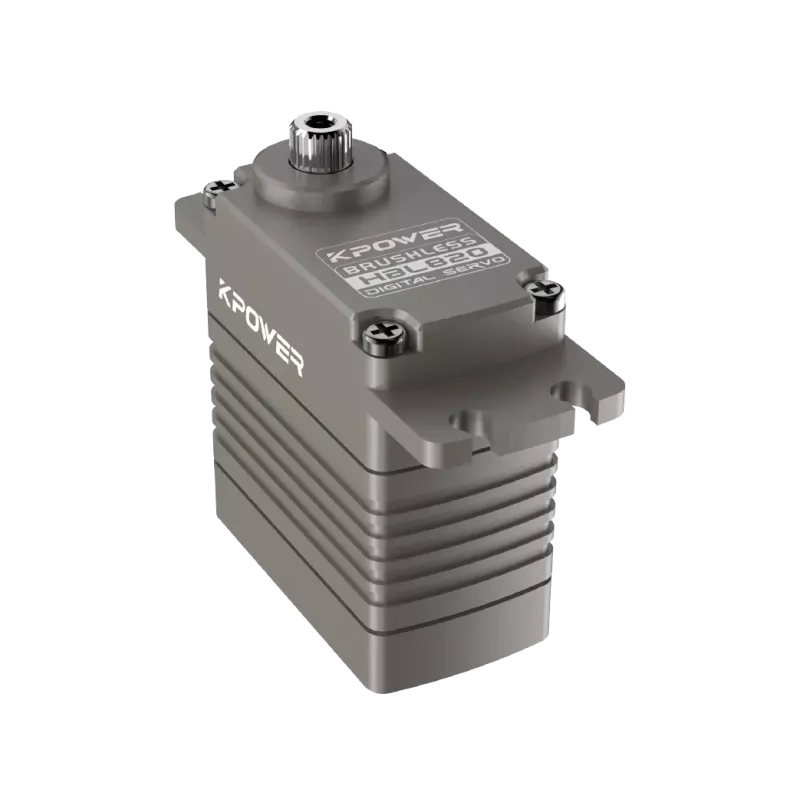
Un modelo 3D de unservoEl motor es una representación digital que se utiliza para el diseño mecánico, la validación del espacio y la planificación del ensamblaje. Puede descargar estos modelos desde sitios web de fabricantes, bibliotecas CAD en línea o portales de proveedores. Los pasos clave implican identificar el número de modelo correcto, seleccionar el formato de archivo correcto, importar el archivo a su software de diseño y verificar las dimensiones. Este proceso le ayuda a evitar costosos rediseños, reducir los problemas de instalación y acelerar el ciclo de desarrollo de su producto. Confirme siempre que el modelo coincida con la unidad física antes de crear el prototipo.
Todos los equipos de ingeniería se han enfrentado a esta situación: terminas un diseño mecánico, ordenas elservoy descubre que los orificios de montaje no están alineados. El recinto interfiere con un soporte. La longitud del eje es incorrecta. Estos problemas suelen deberse al uso de un modelo 3D incorrecto o desactualizado. Cuando estás trabajando con unservomotor, el modelo 3D no es solo una ayuda visual: es una herramienta de diseño fundamental que determina si su ensamblaje encaja, funciona y pasa la revisión. Depender de dibujos genéricos o saltarse este paso por completo introduce riesgos. La solución es sencilla: aprenda a localizar, descargar e instalar el modelo 3D correcto para su servomotor específico.
Tabla de contenido
1. Por qué es importante un modelo 3D en el diseño mecánico
2. Dónde descargar modelos 3D de servomotores
3. Formatos de archivo que encontrarás
4. Cómo importar y verificar el modelo en su software
5. Errores comunes al utilizar modelos descargados
6. Preguntas que los ingenieros suelen hacer sobre los modelos servo 3D
7. Hacer que su próximo diseño avance sin demoras
Por qué es importante un modelo 3D en el diseño mecánico
Cuando diseñas alrededor de unservomotor, las dimensiones físicas determinan el tamaño del gabinete, la selección del acoplamiento del eje y el espacio libre para el cableado. Sin un modelo 3D preciso, estará trabajando a partir de un dibujo en PDF o una hoja de datos. Este enfoque obliga a interpretar las mediciones manualmente, lo que introduce errores humanos. Una diferencia de un solo milímetro en la profundidad de montaje puede dar lugar a un rediseño completo.
El modelo 3D elimina esta incertidumbre. Le brinda un gemelo digital exacto del motor. Puede colocarlo en su ensamblaje, verificar interferencias con componentes vecinos y simular el enrutamiento de cables. Esto es especialmente crítico cuando el servo es parte de un sistema multieje o una máquina compacta. El modelo también ayuda a su equipo de adquisiciones a confirmar la huella del motor antes de realizar el pedido. En muchos casos, la diferencia entre un proyecto fluido y uno retrasado se reduce a si tenías el archivo 3D correcto desde el principio.
Dónde descargar modelos 3D de servomotores
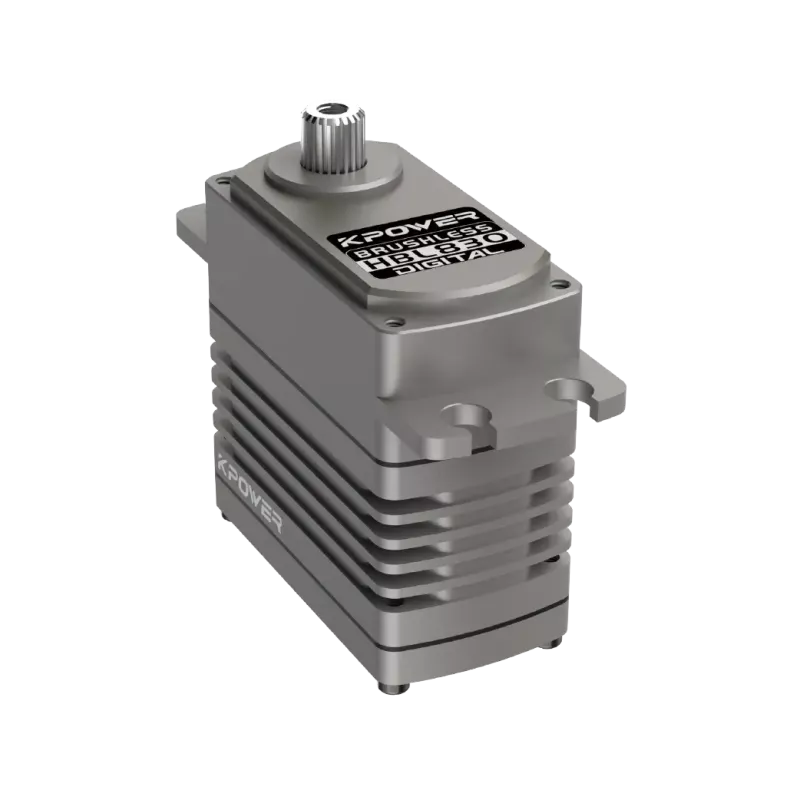
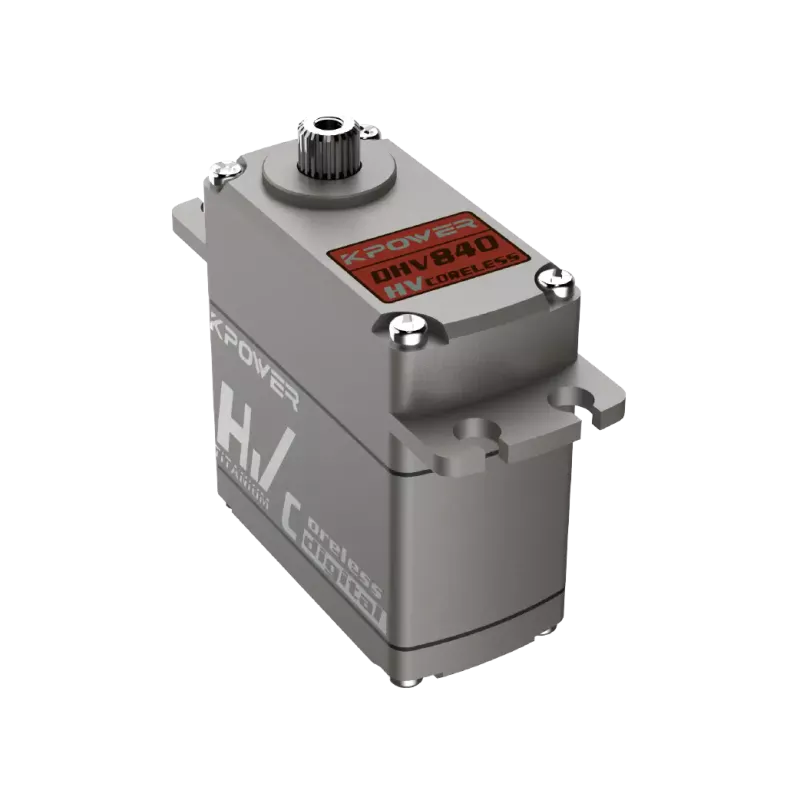
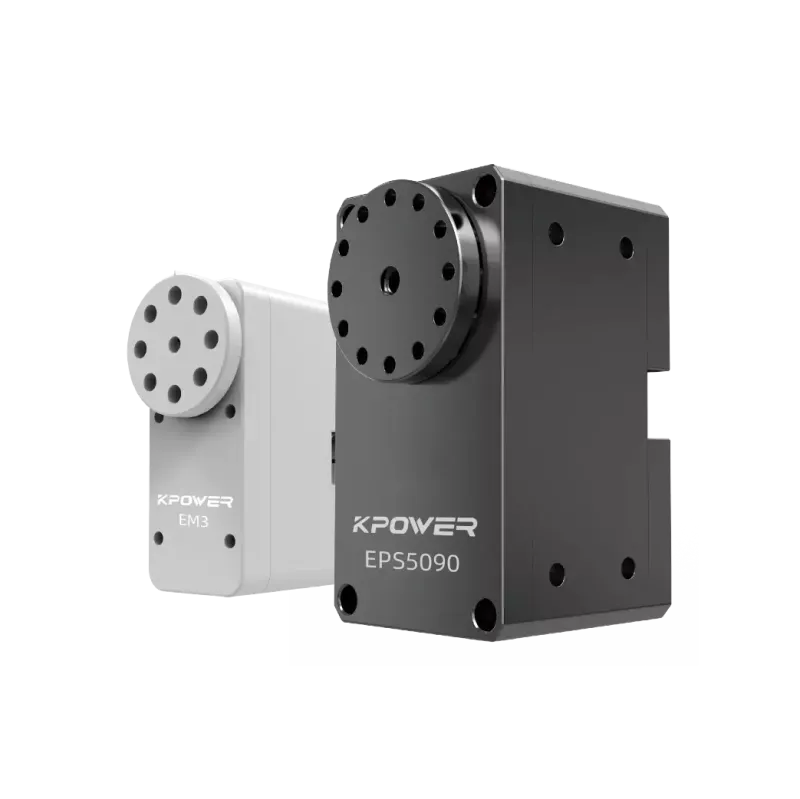
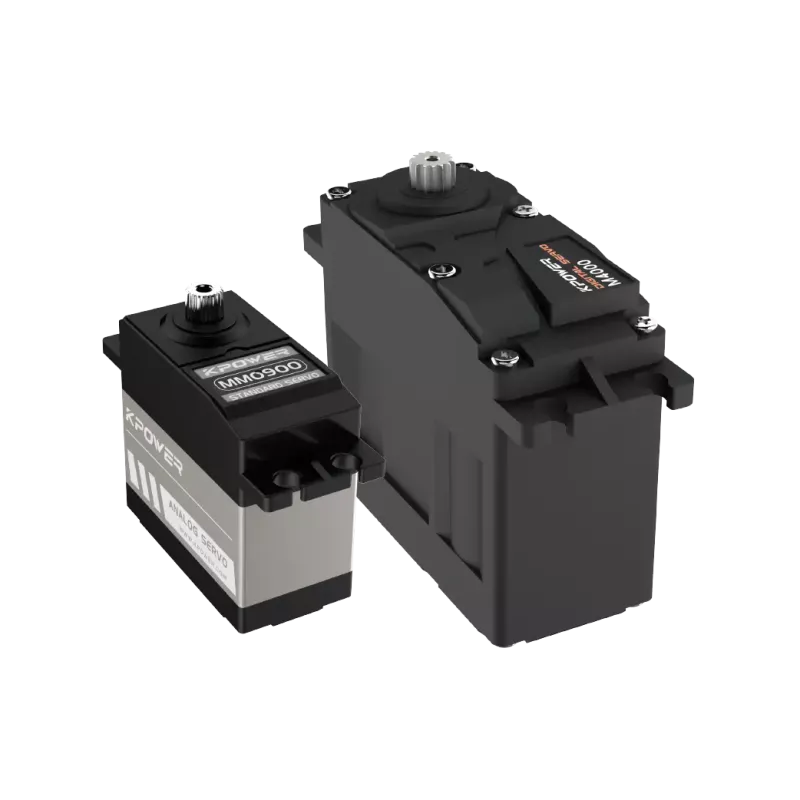
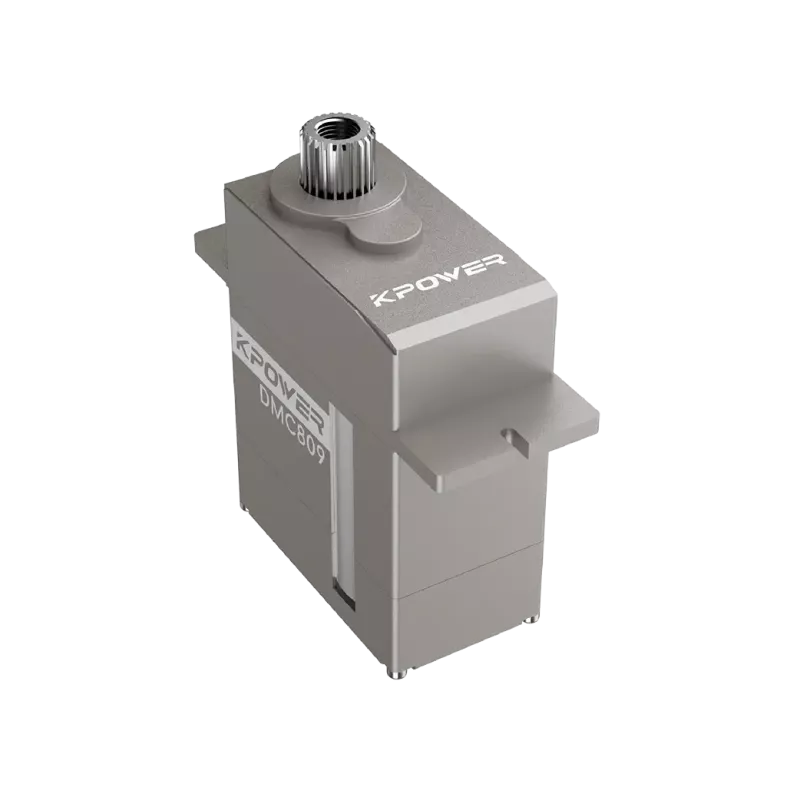
Tienes varias fuentes confiables paraservomotor modelos 3D. La fuente más precisa es el sitio web del propio fabricante. Empresas comokpotenciaServo proporciona archivos CAD descargables directamente en las páginas de sus productos. Estos archivos son mantenidos por el equipo de ingeniería y reflejan las últimas revisiones de producción. Esta es la opción más segura porque el modelo coincide con la unidad que recibirás.
Las bibliotecas CAD en línea como GrabCAD, TraceParts o 3D ContentCentral también albergan servomodelos. Estas plataformas son útiles cuando necesitas un modelo de una marca que no ofrece descargas directas. Sin embargo, debe verificar la fecha de revisión del archivo. Un modelo obsoleto puede tener dimensiones incorrectas. Algunas bibliotecas permiten a los usuarios cargar sus propios modelos, lo que introduce una variación de calidad. Siempre verifique las dimensiones clave con la hoja de datos oficial.
Los portales de proveedores son otra opción. Si compra a través de un distribuidor, este suele brindar acceso a una biblioteca de modelos 3D para las marcas que comercializa. Esto puede ahorrar tiempo si obtiene varios componentes del mismo proveedor.
Formatos de archivo que encontrará
Cuando descarga un modelo 3D de servomotor, verá varios formatos de archivo comunes. Cada formato funciona mejor con un software CAD específico. Los formatos más utilizados incluyen STEP (.stp), IGES (.igs) y SLDPRT para SolidWorks. Los archivos STEP son los más universales y funcionan en casi todas las principales plataformas CAD. IGES es un estándar más antiguo pero aún es compatible. SLDPRT es nativo de SolidWorks y conserva los datos del árbol de características, lo que puede resultar útil si necesita modificar el modelo.
Algunos fabricantes también ofrecen archivos Parasolid (.x_t) o ACIS (.sat). Son menos comunes pero aún compatibles con muchas herramientas CAD de alta gama. Si su software no acepta el formato proporcionado, puede utilizar una herramienta de conversión o pedirle al proveedor una alternativa. Evite el uso de archivos STL para diseño mecánico porque carecen de precisión paramétrica y están destinados a la impresión 3D, no al ensamblaje de precisión.
Cómo importar y verificar el modelo en su software
Después de descargar el archivo, el siguiente paso es importarlo a su entorno CAD. El proceso varía ligeramente según el software, pero los pasos principales son los mismos.
Primero, abra su archivo de ensamblaje o pieza. Utilice la función de importación, que normalmente se encuentra en Archivo > Abrir o Insertar > Parte. Seleccione el archivo descargado. La mayoría de las herramientas CAD modernas detectarán automáticamente el formato y cargarán el modelo. Si recibe un error, verifique si el archivo está dañado o si su software requiere un complemento de importación específico.
Una vez que aparece el modelo, no asuma que es correcto. Verifique las dimensiones generales con la hoja de datos. Mida el espacio entre los orificios de montaje, el diámetro del eje, la longitud del eje y la longitud total del cuerpo. Si alguna medida difiere en más de 0,1 mm, póngase en contacto con el proveedor. Las dimensiones inconsistentes pueden indicar una revisión desactualizada o un modelo de una variante diferente.
A continuación, verifique el sistema de coordenadas. Algunos modelos se importan con el origen colocado en el centro del eje, mientras que otros utilizan la cara trasera. Esto afecta la forma en que limita el motor en su ensamblaje. Ajuste el sistema de coordenadas si es necesario o utilice un plano de referencia para posicionar el modelo con precisión.
Errores comunes al utilizar modelos descargados
Un error frecuente es descargar la variante de modelo incorrecta. Una serie de servomotores puede tener múltiples tamaños de bastidor, opciones de eje o tipos de retroalimentación. Un motor con estructura de 60 mm y un motor con estructura de 80 mm tienen un aspecto similar pero tienen patrones de montaje completamente diferentes. Siempre haga coincidir el número de modelo en el nombre del archivo con el número de pieza exacto que desea utilizar.
Otro error es ignorar la orientación de salida del cable. Muchos servos tienen cables que salen por el lateral, la parte trasera o la parte inferior. Si su diseño no tiene en cuenta esto, es posible que el cable interfiera con la carcasa o una parte móvil. El modelo 3D debe incluir el punto de entrada del cable, incluso si el cable en sí no está modelado.
Un tercer problema es el uso de un modelo simplificado para los controles de autorización. Algunos fabricantes ofrecen una versión simplificada que omite pequeñas características como cabezas de tornillos o chaveteros. Esto está bien para trabajos de diseño iniciales, pero para un análisis de interferencia detallado, necesita el modelo completo. Compruebe siempre si está utilizando la versión simplificada o detallada.
Preguntas que los ingenieros suelen hacer sobre los modelos servo 3D
P: ¿Todos los fabricantes de servos ofrecen modelos 3D gratuitos?
No todos. Muchas marcas establecidas ofrecen descargas gratuitas, pero algunos proveedores más pequeños pueden requerir un registro o una solicitud. Si un modelo no está disponible, puede crear uno a partir de las dimensiones de la hoja de datos.
P: ¿Puedo utilizar un modelo 3D de una marca diferente?
En la mayoría de los casos, no. Las dimensiones de los servos varían entre marcas incluso cuando el tamaño del marco es similar. El uso de un modelo genérico corre el riesgo de cometer errores de ajuste. Utilice siempre el modelo de la marca específica y el número de modelo que está comprando.
P: ¿Qué debo hacer si el modelo descargado no se abre?
Verifique la compatibilidad del formato de archivo. Si su software CAD no admite el formato, solicite un archivo STEP al proveedor. Si el archivo está dañado, descárguelo nuevamente o comuníquese con el soporte técnico.
P: ¿Con qué frecuencia los fabricantes actualizan sus modelos 3D?
Los fabricantes suelen actualizar los modelos cuando hay un cambio de diseño. Si está trabajando en un proyecto a largo plazo, busque actualizaciones del modelo antes de finalizar su diseño.
P: ¿Es seguro utilizar modelos cargados por usuarios desde bibliotecas comunitarias?
Tenga cuidado. Los modelos subidos por la comunidad pueden contener errores. Siempre verifique las dimensiones con la hoja de datos oficial. Si es posible, utilice archivos proporcionados por el fabricante.
P: ¿Necesito un modelo 3D para cada servo de mi diseño?
Sí, especialmente si los servos están montados muy juntos. Los modelos precisos le ayudan a evitar colisiones en sistemas multieje.
P: ¿Puedo modificar un modelo 3D descargado?
Puede hacerlo, pero tenga en cuenta que ya no se garantiza que los modelos modificados coincidan con la unidad física. Si necesita una variante personalizada, solicítela al fabricante.
P: ¿Cuál es la diferencia entre un archivo STEP y un archivo STL para modelos de servo?
Las limas STEP son precisas, paramétricas y adecuadas para el diseño mecánico. Los archivos STL están basados en malla, son menos precisos y son mejores para representación visual o impresión 3D únicamente.
P: ¿Debo modelar el conector o cable en mi ensamblaje?
Si el espacio es reducido, sí. El radio de curvatura del cable y el tamaño del conector pueden causar problemas de enrutamiento. Algunos proveedores ofrecen modelos de cable por separado.
P: ¿Cómo me aseguro de que el modelo coincida con el producto entregado?
Compare las dimensiones del modelo con la hoja de datos antes de realizar el pedido. Después de recibir la unidad, mídala físicamente y compárela con el modelo.
Haga que su próximo diseño avance sin demoras
El tiempo que invierte en encontrar y verificar unaservomotor modelo 3dse amortiza con menos reprocesos, aprobaciones más rápidas y menos sorpresas en la planta de producción. Su equipo de diseño debe tratar el modelo 3D como un requisito, no como un complemento opcional. Si está buscando un servo para un nuevo proyecto, comience consultando el sitio web del fabricante para encontrar el archivo correcto. Confirme que el formato coincida con su software CAD. Verifique las dimensiones antes de realizar el diseño.
Si está trabajando con una marca específica comokpotenciaServo, sus páginas de productos incluyen modelos 3D descargables para la mayoría de las series de servos estándar. También puedes contactar con su equipo de soporte técnico para solicitar un modelo personalizado o confirmar la compatibilidad. El objetivo es eliminar las conjeturas. Cuando tienes el modelo adecuado en tus manos, tu diseño avanza con confianza.
Hora de actualización: 2026-07-12

Comuníquese con el especialista en productos de Kpower para recomendarle un motor o caja de cambios adecuado para su producto.


