

الدعم الفني


تم النشر 2026-07-12
إجابة سريعة
نموذج ثلاثي الأبعاد لـ أمضاعفاتالمحرك هو تمثيل رقمي يستخدم للتصميم الميكانيكي، والتحقق من صحة المساحة، وتخطيط التجميع. يمكنك تنزيل هذه النماذج من مواقع الشركات المصنعة أو مكتبات CAD عبر الإنترنت أو بوابات الموردين. تتضمن الخطوات الأساسية تحديد رقم الطراز الصحيح واختيار تنسيق الملف الصحيح واستيراد الملف إلى برنامج التصميم الخاص بك والتحقق من الأبعاد. تساعدك هذه العملية على تجنب عمليات إعادة التصميم المكلفة، وتقليل مشكلات الإعداد، وتسريع دورة تطوير منتجك. تأكد دائمًا من أن النموذج يطابق الوحدة المادية قبل إنشاء النموذج الأولي.
لقد واجه كل فريق هندسي هذا الموقف: تنتهي من التخطيط الميكانيكي، ثم تطلبمضاعفاتواكتشف عدم محاذاة فتحات التثبيت. العلبة تتداخل مع قوس. طول العمود خاطئ. غالبًا ما تنبع هذه المشكلات من استخدام نموذج ثلاثي الأبعاد غير صحيح أو قديم. عندما تعمل مع أمضاعفاتمحرك، النموذج ثلاثي الأبعاد ليس مجرد أداة مساعدة مرئية، بل هو أداة تصميم مهمة تحدد ما إذا كان التجميع الخاص بك مناسبًا ووظائفه وتمر بالمراجعة. الاعتماد على الرسومات العامة أو تخطي هذه الخطوة تمامًا يعرضك للخطر. الحل واضح ومباشر: تعرف على كيفية تحديد موقع النموذج ثلاثي الأبعاد الصحيح وتنزيله وتثبيته لمحرك سيرفو المحدد لديك.
جدول المحتويات
1. لماذا يعتبر النموذج ثلاثي الأبعاد مهمًا في التصميم الميكانيكي
2. مكان تنزيل نماذج محرك سيرفو ثلاثية الأبعاد
3. تنسيقات الملفات التي ستواجهها
4. كيفية استيراد النموذج والتحقق منه في برنامجك
5. الأخطاء الشائعة عند استخدام النماذج التي تم تنزيلها
6. الأسئلة التي يطرحها المهندسون غالبًا حول النماذج ثلاثية الأبعاد المؤازرة
7. اجعل تصميمك التالي يمضي قدمًا دون تأخير
لماذا يهم النموذج ثلاثي الأبعاد في التصميم الميكانيكي
عندما تقوم بالتصميم حول أمحرك سيرفو، الأبعاد المادية تحدد حجم العلبة الخاصة بك، واختيار اقتران العمود، ومساحة الأسلاك. بدون نموذج ثلاثي الأبعاد دقيق، فإنك تعمل من خلال رسم PDF أو ورقة بيانات. يفرض عليك هذا الأسلوب تفسير القياسات يدويًا، مما يؤدي إلى حدوث خطأ بشري. يمكن أن يؤدي اختلاف ملليمتر واحد في عمق التركيب إلى إعادة تصميم كاملة.
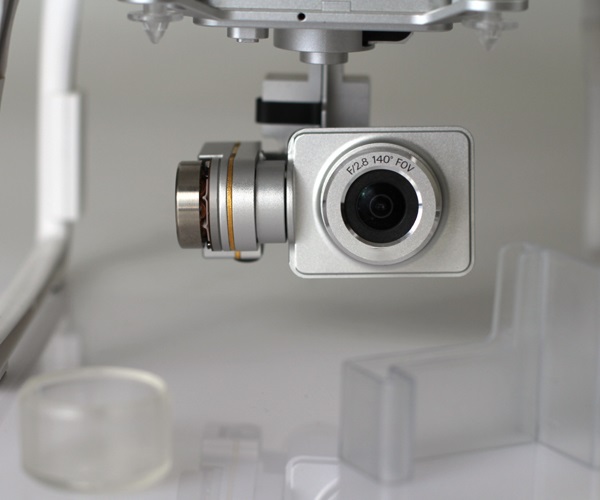
يزيل النموذج ثلاثي الأبعاد حالة عدم اليقين هذه. يمنحك توأمًا رقميًا دقيقًا للمحرك. يمكنك وضعه في التجميع الخاص بك، والتحقق من التداخل مع المكونات المجاورة، ومحاكاة توجيه الكابل. يعد هذا أمرًا بالغ الأهمية بشكل خاص عندما يكون المؤازرة جزءًا من نظام متعدد المحاور أو آلة مدمجة. يساعد النموذج أيضًا فريق المشتريات الخاص بك على تأكيد بصمة المحرك قبل تقديم الطلب. في كثير من الحالات، يعود الفرق بين المشروع السلس والمشروع المؤجل إلى ما إذا كان لديك الملف ثلاثي الأبعاد الصحيح منذ البداية.
مكان تنزيل نماذج محرك سيرفو ثلاثي الأبعاد
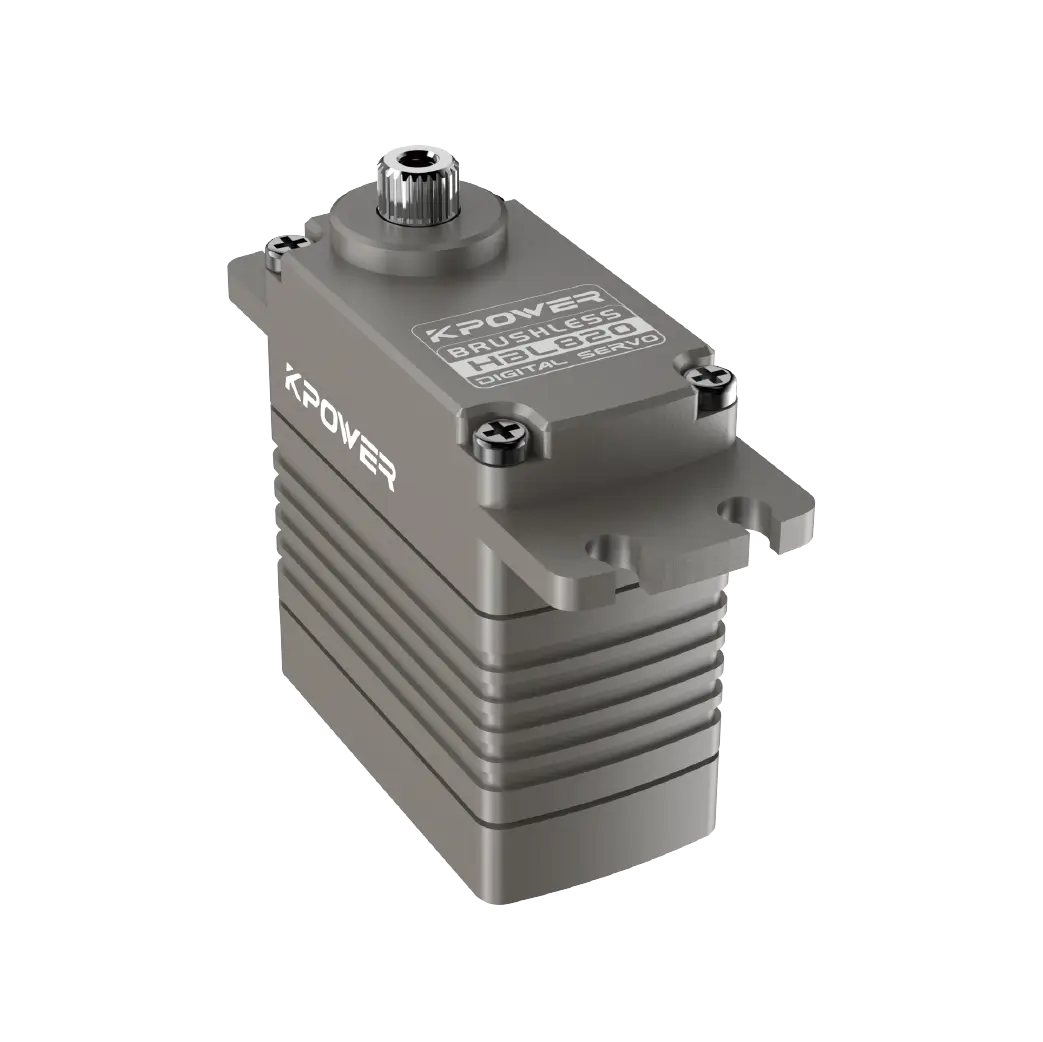
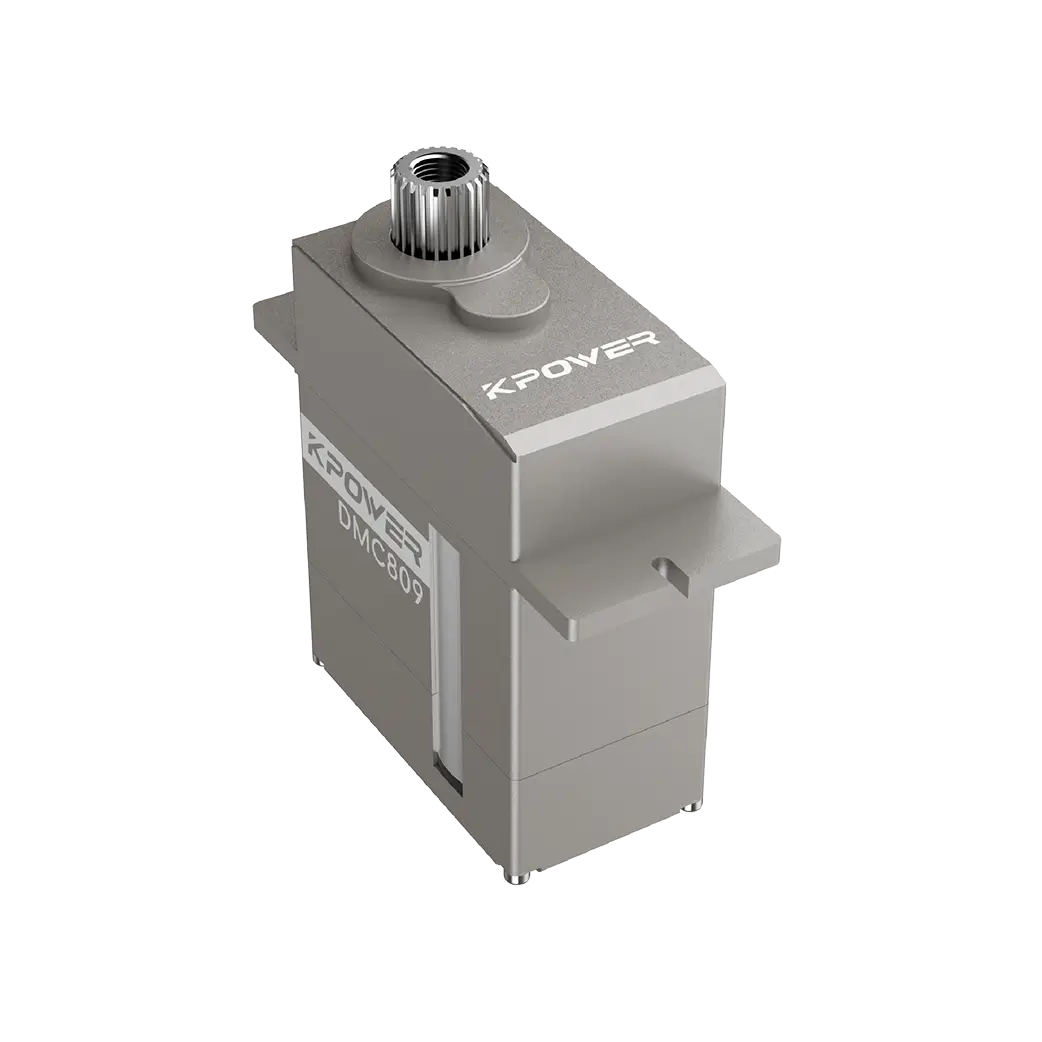
لديك عدة مصادر موثوقة لنماذج ثلاثية الأبعاد لمحرك سيرفو. المصدر الأكثر دقة هو موقع الشركة المصنعة. الشركات مثلkpowerتوفر شركة Servo ملفات CAD قابلة للتنزيل مباشرة على صفحات منتجاتها. تتم صيانة هذه الملفات بواسطة الفريق الهندسي وتعكس أحدث مراجعات الإنتاج. هذا هو الخيار الأكثر أمانًا لأن النموذج يتوافق مع الوحدة التي ستتلقاها.
تستضيف مكتبات CAD عبر الإنترنت مثل GrabCAD أو TraceParts أو 3D ContentCentral أيضًا نماذج مؤازرة. تكون هذه الأنظمة الأساسية مفيدة عندما تحتاج إلى نموذج من علامة تجارية لا تقدم تنزيلات مباشرة. ومع ذلك، يجب عليك التحقق من تاريخ مراجعة الملف. قد يكون للنموذج القديم أبعاد غير صحيحة. تسمح بعض المكتبات للمستخدمين بتحميل نماذجهم الخاصة، مما يؤدي إلى اختلاف الجودة. قم دائمًا بالتحقق من الأبعاد الرئيسية ومقارنتها بورقة البيانات الرسمية.
بوابات الموردين هي خيار آخر. إذا قمت بالشراء من خلال أحد الموزعين، فغالبًا ما يوفرون الوصول إلى مكتبة النماذج ثلاثية الأبعاد للعلامات التجارية التي يقدمونها. يمكن أن يوفر هذا الوقت إذا كنت تحصل على مكونات متعددة من نفس المورد.
تنسيقات الملفات التي سوف تواجهها
عندما تقوم بتنزيل نموذج ثلاثي الأبعاد لمحرك سيرفو، سترى العديد من تنسيقات الملفات الشائعة. يعمل كل تنسيق بشكل أفضل مع برنامج CAD محدد. تتضمن التنسيقات الأكثر استخدامًا STEP (.stp)، وIGES (.igs)، وSLDPRT لـ SolidWorks. تعد ملفات STEP هي الأكثر عالمية وتعمل عبر جميع منصات CAD الرئيسية تقريبًا. يعد IGES معيارًا قديمًا ولكنه لا يزال مدعومًا. SLDPRT أصلي في SolidWorks ويحتفظ ببيانات شجرة الميزات، والتي يمكن أن تكون مفيدة إذا كنت بحاجة إلى تعديل النموذج.
تقدم بعض الشركات المصنعة أيضًا ملفات Parasolid (.x_t) أو ACIS (.sat). هذه أقل شيوعًا ولكنها لا تزال متوافقة مع العديد من أدوات CAD المتطورة. إذا كان برنامجك لا يقبل التنسيق المقدم، فيمكنك استخدام أداة تحويل أو مطالبة المورد ببديل. تجنب استخدام ملفات STL للتصميم الميكانيكي لأنها تفتقر إلى الدقة البارامترية وهي مخصصة للطباعة ثلاثية الأبعاد، وليس للتجميع الدقيق.
كيفية استيراد النموذج والتحقق منه في برنامجك
بعد تنزيل الملف، فإن الخطوة التالية هي استيراده إلى بيئة CAD الخاصة بك. تختلف العملية قليلاً حسب البرنامج، لكن الخطوات الأساسية هي نفسها.
First, open your assembly or part file. Use the import function, typically found under File > Open or Insert > Part. Select the downloaded file. Most modern CAD tools will automatically detect the format and load the model. If you receive an error, check whether the file is corrupted or if your software requires a specific import plug-in.
Once the model appears, do not assume it is correct. Verify the overall dimensions against the datasheet. Measure the mounting hole spacing, shaft diameter, shaft length, and overall body length. If any measurement differs by more than 0.1 mm, contact the supplier. Inconsistent dimensions can indicate an outdated revision or a model from a different variant.
Next, check the coordinate system. Some models are imported with the origin placed at the shaft center, while others use the rear face. This affects how you constrain the motor in your assembly. Adjust the coordinate system if needed,or use a reference plane to position the model accurately.
Common Mistakes When Using Downloaded Models
One frequent mistake is downloading the wrong model variant. A servo motor series may have multiple frame sizes, shaft options, or feedback types. A 60 mm frame motor and an 80 mm frame motor look similar but have completely different mounting patterns. Always match the model number on the file name to the exact part number you intend to use.
Another mistake is ignoring the cable exit orientation. Many servos have cables exiting from the side, rear, or bottom. If your design does not account for this, you may find that the cable interferes with the enclosure or a moving part. The 3D model should include the cable entry point, even if the cable itself is not modeled.
A third issue is using a simplified model for clearance checks. Some manufacturers offer a simplified version that omits small features like screw heads or keyways. This is fine for early layout work, but for detailed interference analysis, you need the full model. Always check whether you are using the simplified or detailed version.
Questions Engineers Often Ask About Servo 3D Models
Q: Do all servo manufacturers provide free 3D models?
Not all. Many established brands offer free downloads, but some smaller suppliers may require registration or a request. If a model is not available, you can create one from the datasheet dimensions.
Q: Can I use a 3D model from a different brand?
In most cases, no. Servo dimensions vary between brands even when the frame size is similar. Using a generic model risks fitment errors. Always use the model from the specific brand and model number you are purchasing.
Q: What should I do if the downloaded model does not open?
Check the file format compatibility. If your CAD software does not support the format, request a STEP file from the supplier. If the file is corrupted, download it again or contact technical support.
Q: How often do manufacturers update their 3D models?
Manufacturers typically update models when there is a design change. If you are working on a long-term project, check for model updates before finalizing your design.
Q: Is it safe to use user-uploaded models from community libraries?
Use caution. Community-uploaded models may contain errors. Always verify dimensions against the official datasheet. If possible, use manufacturer-provided files.
Q: Do I need a 3D model for every servo in my design?
Yes, especially if the servos are mounted close together. Accurate models help you avoid collisions in multi-axis systems.
Q: Can I modify a downloaded 3D model?
You can, but note that modified models are no longer guaranteed to match the physical unit. If you need a custom variant, request it from the manufacturer.
Q: What is the difference between a STEP file and an STL file for servo models?
STEP files are precise, parametric, and suitable for mechanical design. STL files are mesh-based, less accurate, and best for visual representation or 3D printing only.
Q: Should I model the connector or cable in my assembly?
If space is tight, yes. The cable bend radius and connector size can cause routing issues. Some suppliers provide cable models separately.
Q: How do I ensure the model matches the delivered product?
Compare the model dimensions against the datasheet before ordering. After receiving the unit, physically measure it and compare with the model.
Making Your Next Design Move Forward Without Delays
The time you invest in finding and verifying a servo motor 3D model pays back in reduced rework, faster approvals, and fewer surprises on the production floor. Your design team should treat the 3D model as a requirement, not an optional add-on. If you are sourcing a servo for a new project, start by checking the manufacturer's website for the correct file. Confirm the format matches your CAD software. Verify the dimensions before you to the layout.
If you are working with a specific brand like kpower Servo, their product pages include downloadable 3D models for most standard servo series. You can also contact their technical support team to request a custom model or confirm compatibility. The goal is to eliminate guesswork. When you have the right model in your hands, your design moves forward with confidence.
Update Time:2026-07-12


