


الدعم الفني


تم النشر 2026-07-16
01كيفية الاستخدام أمضاعفاتعلى مايكرو: بت: دليل بسيط للأسلاك والأكواد
توصيل أمضاعفاتمحركيعد أحد المشاريع الأكثر مكافأة للمبتدئين في مجال الروبوتات والأنظمة المدمجة. إنه يسد الفجوة بين وميض LED البسيط والحركة الميكانيكية المعقدة. ومع ذلك، يواجه العديد من المستخدمين مشكلات مثل الحركة المتوترة، أو الاستجابة الضعيفة، أو حتى اللوحات التالفة بسبب سوء فهم الطاقة. يوفر هذا الدليل نهجًا واضحًا خطوة بخطوة لتوصيل الأسلاك والتشفير واستكشاف الأخطاء وإصلاحها، مما يضمن تشغيل مشروعك بسلاسة من اليوم الأول.
التحدي الأساسي: الطاقة والإشارة
العقبة الأساسية عند استخدام أمضاعفاتعلى بت الصغيرليس رمز، ولكن تسليم الطاقة. يوفر منفذ USB الخاص بـ Micro:bit 5 فولت، لكنه لا يمكنه سوى توفير تيار محدود (عادةً حوالي 500 مللي أمبير إجماليًا لجميع الأطراف). تتطلب الماكينات القياسية، وخاصة الأكبر منها، ذروة تيار كبيرة أثناء بدء التشغيل والحركة. يمكن أن يؤدي سحب هذا مباشرة من منظم Micro:bit 3.3V أو خط USB إلى انخفاض الجهد، مما يؤدي إلى سلوك غير منتظم أو إعادة ضبط اللوحة.
لذلك، القاعدة الأولى هي الانفصال. يجب عليك فصل مصدر الطاقة للمؤازرة عن الطاقة المنطقية لـ Micro:bit. ورغم أنهما يتقاسمان أرضية مشتركة، فإن مصادر الطاقة الخاصة بهما يجب أن تظل متميزة لضمان الاستقرار. تمنع هذه العزلة تداخل ضوضاء المحرك مع إشارات المتحكم الدقيق الحساسة.
Essential Components and Wiring
Before writing any code, ensure you have the correct hardware setup.
BBC Micro:bit v2 : Recommended for better pin availability and 3.3V logic level compatibility.
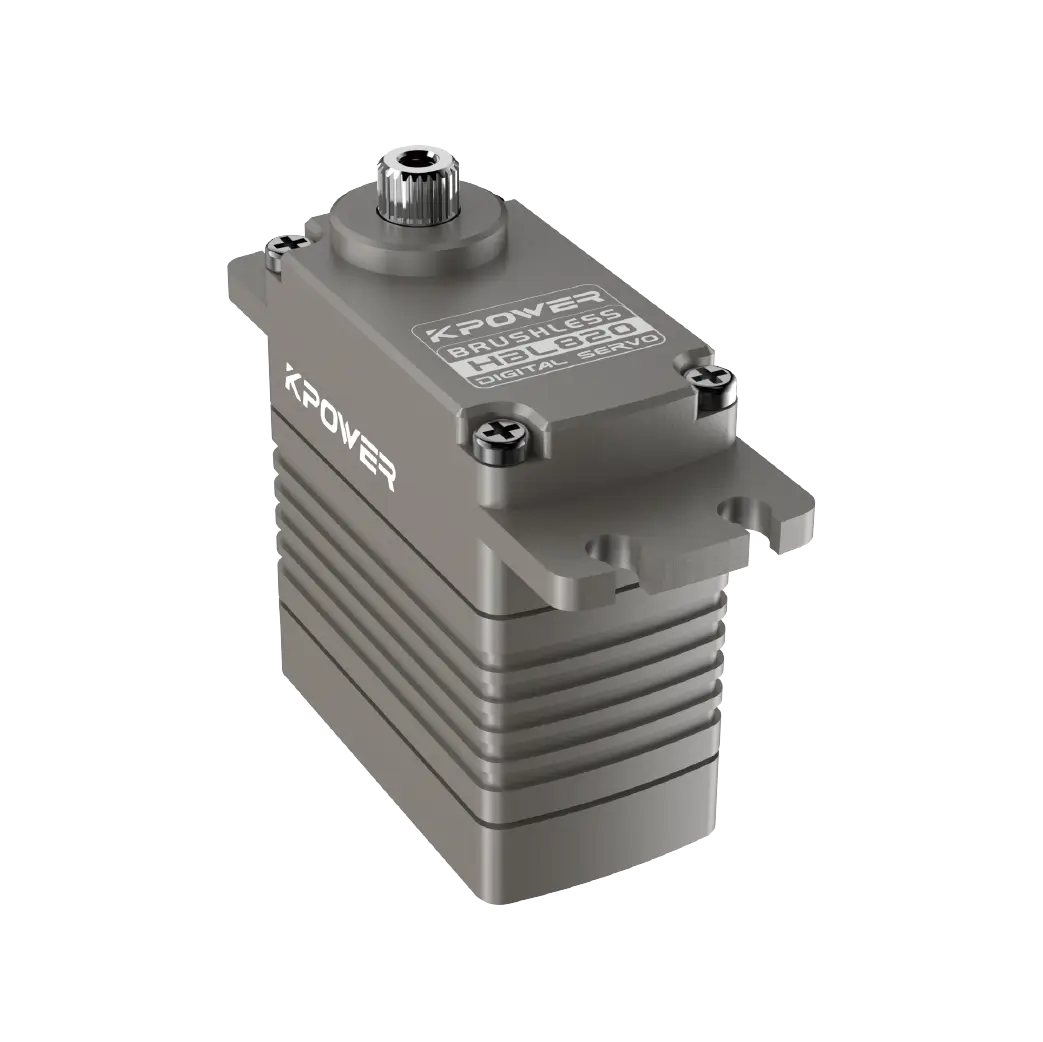
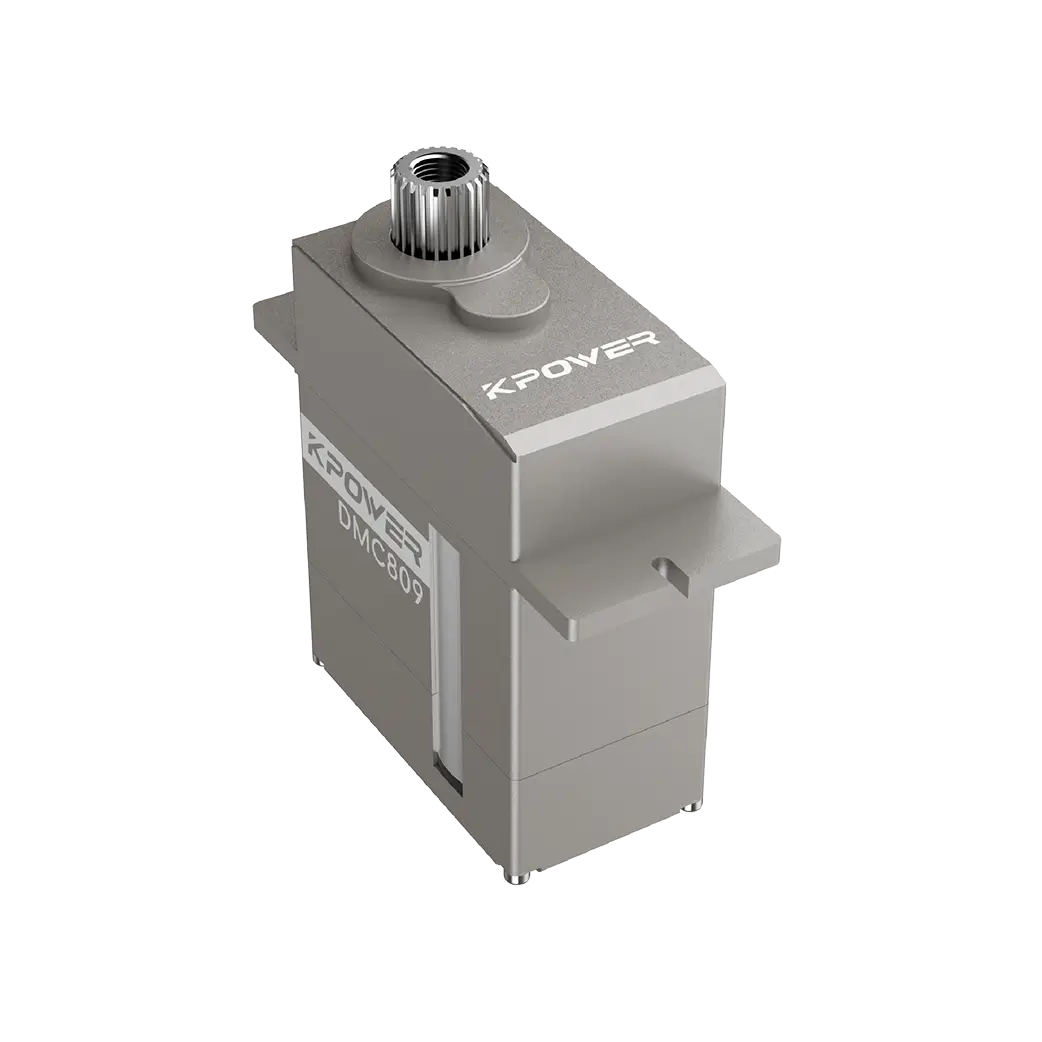
محرك سيرفو : Standard 9g micro servo or a larger metal-gear servo depending on torque needs.

مصدر الطاقة الخارجي : A 5V battery pack or wall adapter capable of providing at least 1A per servo.
Jumper Wires : Male-to-female for connections.
Wiring Diagram
1. Servo Red Wire (VCC) : Connect to the positive terminal of the external 5V power supply. لا connect this to the Micro:bit's 3V or 5V pins.
2. Servo Brown/Black Wire (GND) : Connect to the negative terminal of the external power supply. Crucially, also connect this wire to one of the GND pins on the Micro:bit (Pin 1, 2, or 3). This creates the "common ground" necessary for signal communication.
3. Servo Orange/Yellow Wire (Signal) : Connect to Pin 0, Pin 1, or Pin 2 on the Micro:bit. Pin 0 is recommended for PWM (Pulse Width Modulation) support in most libraries.
By establishing this common ground, you allow the Micro:bit to send low-voltage logic signals to the servo without sharing the high-current load. This standard practice applies to almost all تطبيقات التحكم في الحركة involving microcontrollers.
Coding the Servo Movement
Micro:bit makes servo control accessible through its block-based MakeCode editor or Python. The underlying principle is Pulse Width Modulation (PWM). The servo interprets the width of the electrical pulse to determine position.
Using MakeCode Blocks

1. Go to the "Advanced" section in the left-hand menu.
2. Find the "Servo" extension and add it.
3. Drag out the set servo 0 to angle block.
4. Set the pin to Pin 0 and the angle to a value between 0و180 .
5. To create smooth motion, use a loop with small delays. For example, loop from 0 to 180 degrees, incrementing by 1 degree each time with a 20ms delay.
Using Python
If you prefer text-based coding, the microbit library allows direct PWM control, though using a servo-specific library is cleaner.
من استيراد الميكروبت
import servo
# Create a servo object on Pin0
my_servo = servo.Servo(pin0)
# Rotate to 90 degrees
my_servo.write_angle(90)
sleep(1000)
# Rotate to 0 degrees
my_servo.write_angle(0)
When implementing اختيار محرك سيرفو logic in code, remember that not all servos rotate exactly 360 degrees. Most standard servos are limited to 180 degrees. If you need continuous rotation, you must select a specific مضاعفات الدوران المستمر , which changes the coding logic from position control to speed control.
استكشاف المشكلات الشائعة وإصلاحها
Even with correct wiring, problems may arise. Here is how to diagnose them:
Jittering Noise : This usually indicates insufficient power or a poor ground connection. Ensure your external battery has enough capacity and that the GND wire is firmly connected to both the power supply and the Micro:bit.
Servo Won't Move : Check if the signal pin is connected to Pin 0, 1, or 2. Avoid Pin 3, 13, 14, etc., as they may not support the required PWM frequency. Also, verify that the servo is receiving 5V, not 3.3V, as some servos require the higher voltage to generate enough torque.
Micro:bit Resets : This is a sign of power starvation. The servo is drawing too much current from the Micro:bit's shared rail. Re-check your wiring to ensure the servo's VCC is connected only* to the external power source.
Best Practices for Reliability
To ensure long-term success, always test your servo under no-load conditions first. Then, gradually add mechanical load while monitoring temperature. If the servo becomes hot to the touch, it is likely stalled or overworked. Additionally, use a capacitor (eg, 100uF) across the servo's power terminals if possible. This helps filter out electrical noise generated by the motor brushes, protecting the Micro:bit's sensitive electronics.
خاتمة
Mastering how to use a servo on micro bit is a foundational skill in maker culture. By respecting power limits, establishing a solid common ground, and using appropriate PWM signals, you can achieve precise and reliable movement. Start simple, troubleshoot methodically, and expand your projects with confidence. Whether you are building a robotic arm or an automated gate, these principles apply universally to all servo control systems .
Update Time:2026-07-16


