




TECHNICAL SUPPORT


Published 2026-09-28
Meta Description:Your DJI Air 3 shows "gimbal motor overloaded." Learn the real causes, quick checks you can run in the field, and when to escalate to a motor-level repair.
Quick Answer
The "gimbal motor overloaded" message on your DJI Air 3 typically means the gimbal assembly is drawing more current than its controller can tolerate. In most cases, the trigger is a physical obstruction (a stuck prop, sand, or a bent arm), a moisture ingress after rain or a wash-down, or a worn bearing that increases friction. Restart the drone, gently free the gimbal by hand, and update firmware before assuming hardware failure. If the error persists across multiple power cycles, the gimbal motor or its encoder is likely degraded and requires a professional replacement.
Introduction
You power up your Air 3 before a site survey, the gimbal twitches, and the screen flashesgimbal motor overloadedin bold. Your flight window is shrinking. Your client is waiting on the helipad. You need to know, in the next two minutes, whether this is a field-fixable nuisance or a shop-level repair.
The good news: roughly a third of these reports in operational settings trace back to a preventable cause. The bad news: pushing a genuinely failing motor past its overload threshold accelerates bearing wear and can seize the entire gimbal assembly. The cost of ignoring it is a grounded fleet unit.
Table of Contents
Why the Overload Flag Triggers
Five Field Checks Before You Call It Broken
When the Motor Itself Is the Culprit
Practical Questions Before You Ship It Out
Choosing a Repair Path That Protects Your Uptime
01Why the Overload Flag Triggers
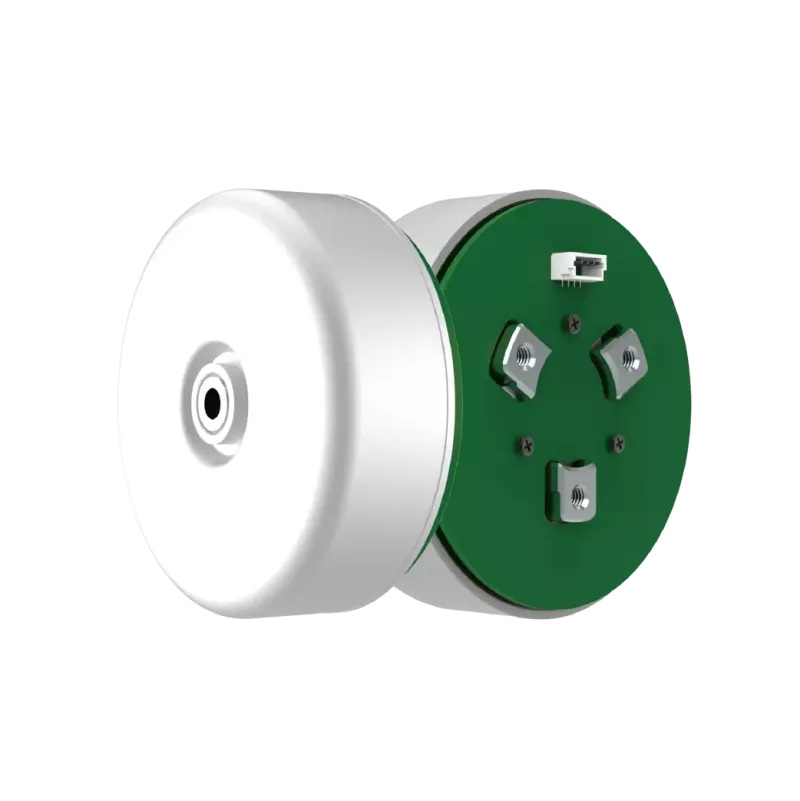
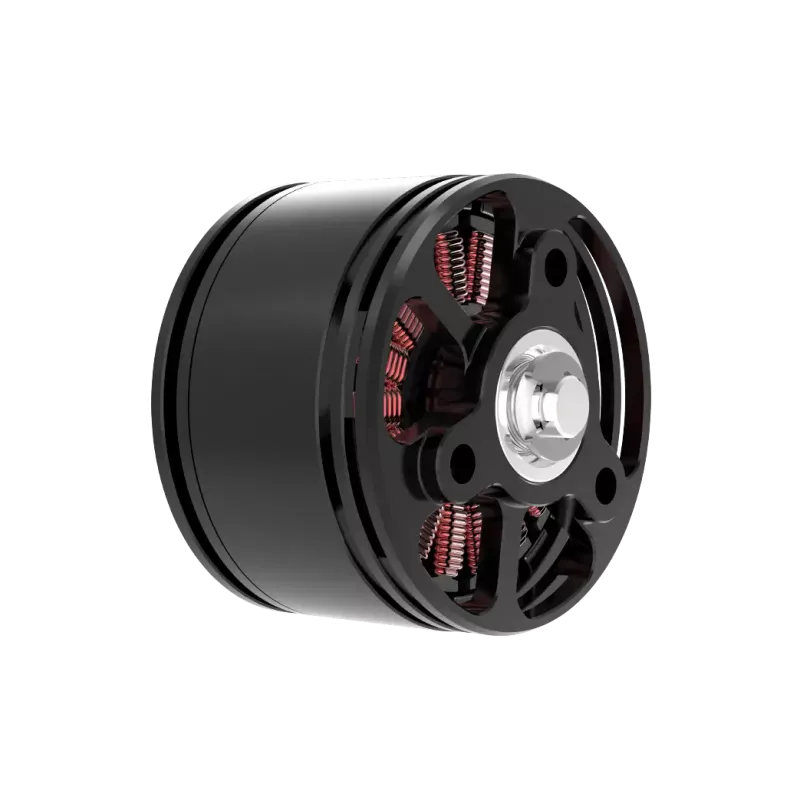
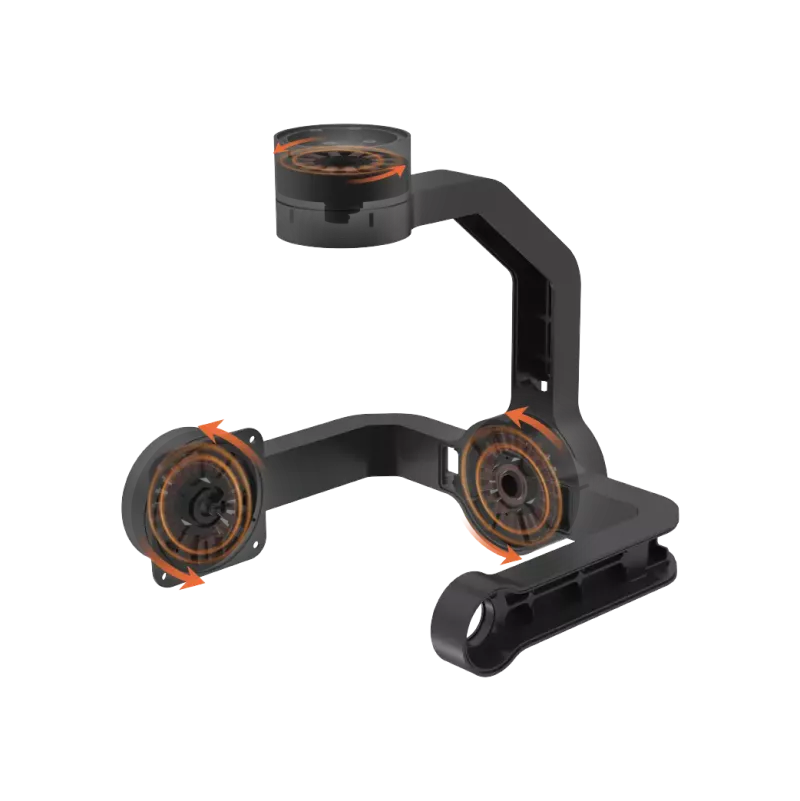
The Air 3 gimbal uses a brushless DC motor paired with a magnetic encoder. The controller monitors current draw in real time. When the demanded torque exceeds a preset threshold—caused by higher friction, a mechanical bind, or a voltage sag—the firmware throws the overload error and limits the gimbal to protect the windings.
In many fleet deployments, the root cause is external. A partially caught prop,grit packed into the gimbal pivot, or a cracked gimbal arm bending the motor shaft will all raise resistance. Moisture is the other silent killer: a quick rain exposure or a cold-morning condensation cycle can corrode the encoder contacts, forcing the motor to fight a signal it barely reads.
02Five Field Checks Before You Call It Broken
Run these in order. Each takes under ninety seconds.
1. Power-cycle fully.Remove the battery, wait thirty seconds, reinsert. If the gimbal self-tests cleanly on startup, the error was transient.
2. Free the gimbal by hand.With the drone powered off, gently rotate the gimbal roll and pitch axes. You should feel smooth resistance. Any grinding, catching, or a hard stop points to a mechanical obstruction.
3. Inspect for foreign material.Open the gimbal door and look for sand, dried plant matter, or a shredded prop fragment lodged in the pivot.
4. Check gimbal arm integrity.A hairline crack in the plastic arm will shift the motor shaft off-axis. Under load, that misalignment multiplies friction until the motor overloads.
5. Update firmware.Connect to DJI Fly or the mobile assistant and push the latest Air 3 firmware. DJI has addressed gimbal calibration logic in several patches; an outdated build can misread the encoder and flag a false overload.
If all five checks come back clean and the error still appears within two flight cycles, the fault is internal to the motor or encoder assembly.
03When the Motor Itself Is the Culprit
A degraded gimbal motor shows progressive symptoms: slow gimbal settling, a visible lag between your RC input and the camera response, and finally the hard overload lockout. In fleet environments, this progression often spans 800–1,500 gimbal actuation cycles before the controller declares the unit inoperable.
At that stage, field intervention will not save the unit. The motor, encoder, and associated PCB must be replaced as a calibrated set. Mismatched parts—say, a new motor on a worn encoder—will reintroduce the overload error within days.
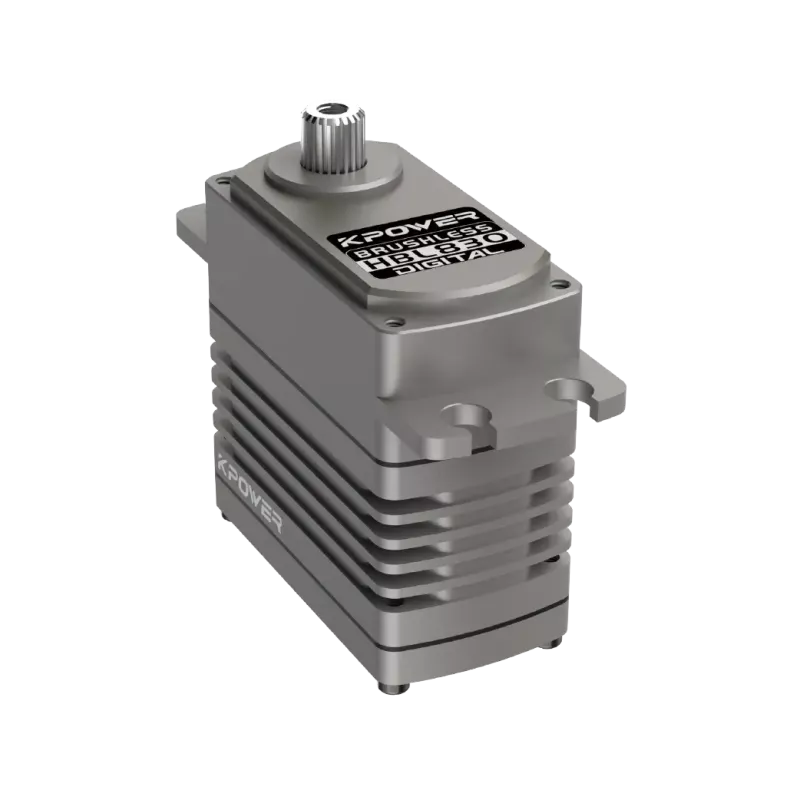
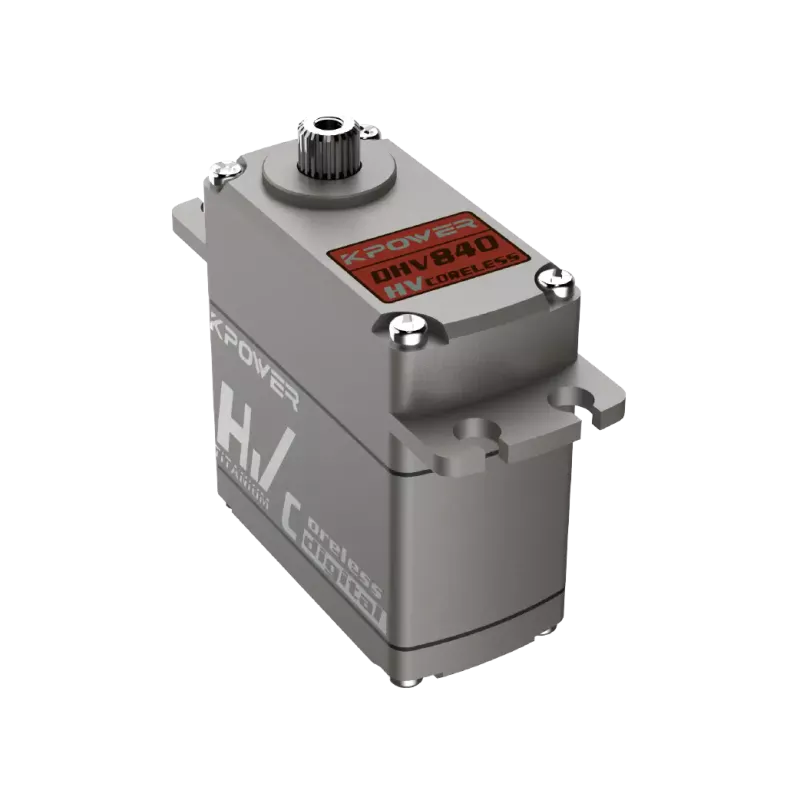
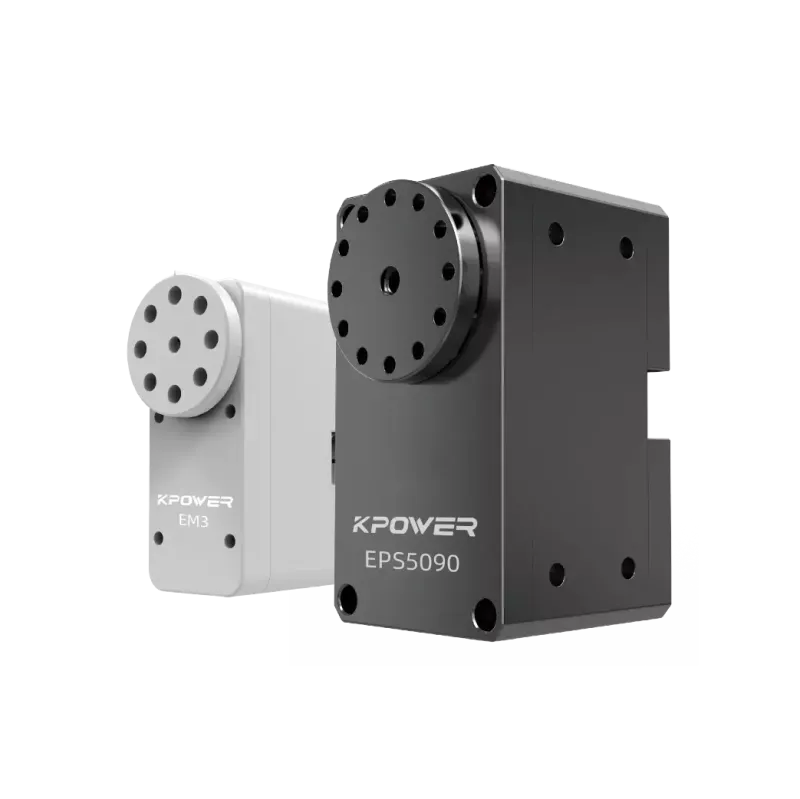
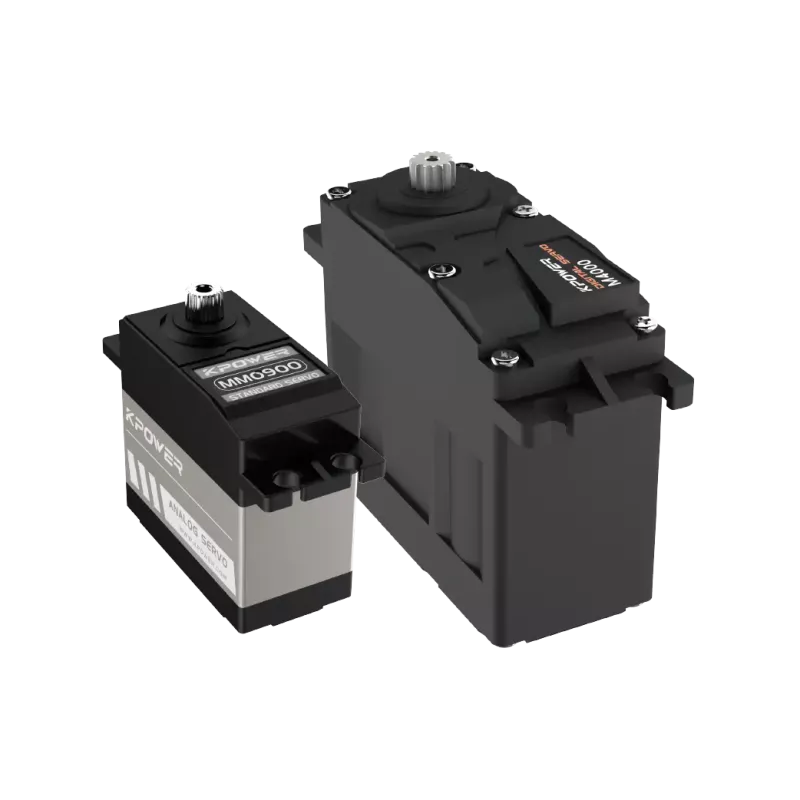
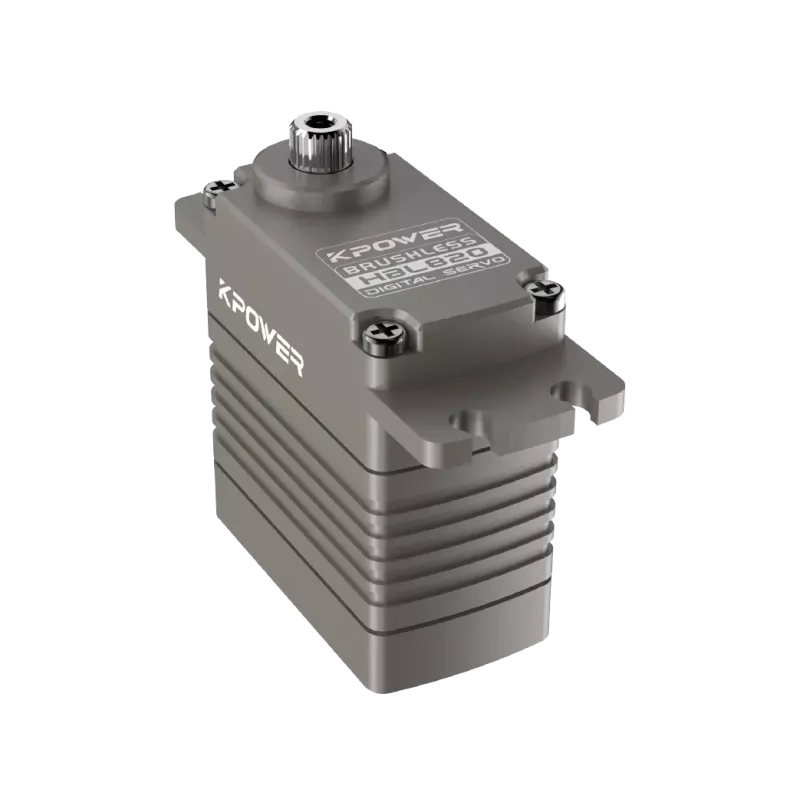
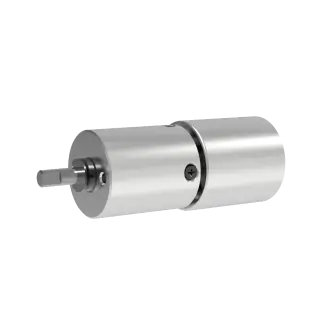
If you operate a small fleet,servomotor replacementby a qualified technician is the fastest return-to-service path. If your unit is still under DJI warranty, contact DJI Care or an authorized service center first. For out-of-warranty or no-DMC-coverage units, a specialist likekpower servocan supply a matched gimbal assembly and perform the full calibration so the replacement behaves identically to the stock unit.
04Practical Questions Before You Ship It Out
Before you hand the Air 3 to any repair party, confirm these points in writing:
The decision is simple once you map the cost. A field reset that should have been a $40 firmware update costs you a half-day of mobilization. A DIY motor swap with an uncalibrated part risks a second grounding within the week. A matched-assembly replacement with a documented test log keeps your schedule intact.
For operators running the Air 3 in survey, inspection, or content-workflow roles, budget for one gimbal overhaul per 1,200–1,500 flight hours. That reflects figure typical bearing fatigue in mixed environments. Track gimbal cycle counts in your maintenance log so you replace the assemblybeforethe overload flag becomes routine rather than reactive.
If your Air 3 is currently sitting with the error code and your next deadline is this week, send your serial number and a short video of the gimbal behavior tokpower servofor a no-obligation assessment. You will get a part-level diagnosis and a firm turnaround quote before you commit to anything.
Practical Questions Before You Order a Replacement
Q: Will the overload error clear itself after a warm-up flight?
A: No. The firmware limits the gimbal to protect the windings. Flying with the flag active does not reset the underlying fault and may bearing accelerate wear. Power-cycle, run the five field checks, then proceed to repair if the error returns.
Q: Can I use a third-party gimbal motor from another drone model?
A: Do not. The Air 3 motor has a specific stator profile, encoder resolution, and PCB footprint. A physically compatible but electrically different motor will overload within hours. Always match the full assembly revision.
Q: Does rain exposure void the gimbal warranty?
A: It depends on your DJI Care plan tier and the failure timeline. In many cases, moisture damage is covered under the standard DJI Care Essential package. Verify your coverage window before authorizing a paid repair.
Q: How do I prevent the issue from recurring after repair?
A: Add a post-landing gimbal wipe to your SOP, store the drone in a dry case overnight, and schedule a bearing inspection every 500 flight hours. These three habits eliminate the two most common re-entry causes: grit and condensation.
Update Time:2026-09-28

Contact Kpower's product specialist to recommend suitable motor or gearbox for your product.


