




TECHNICAL SUPPORT


Published 2026-05-09
Hi, friend, can the servo you are holding in your hand only be able to achieve the two simple actions of "turning left and turning right"? When I try to adjust its speed, why is it so difficult to have a bowel movement?
No need to rush and throw the remote control! Well, today we are going to talk about "how to adjust the speed of the steering gear". You can rest assured that you will not have to figure out those confusing formulas. With the help of the failure scene that occurred when Uncle Wang repaired the model airplane downstairs in the community, he will clarify the truth and tell you.
◆ 1. Don’t do anything yet! Are you sure the servo can "adjust speed"?
Many people were confused at the beginning. They felt that the servo was like an electric fan. Turning a small knob would change the speed from a tornado-like state to a gentle breeze and drizzle.
...You are so naive, old man!
This is the truth: an ordinary servo, that is, a small plastic block in the shape of a 9g ball, can only recognize "position", but it has no way of recognizing "speed".. When you give the command to turn it to 90°, it will move quickly to the designated position just like those hungry wolves pouncing on food. This situation is called "open loop control", and it does not care about acceleration or deceleration at all.
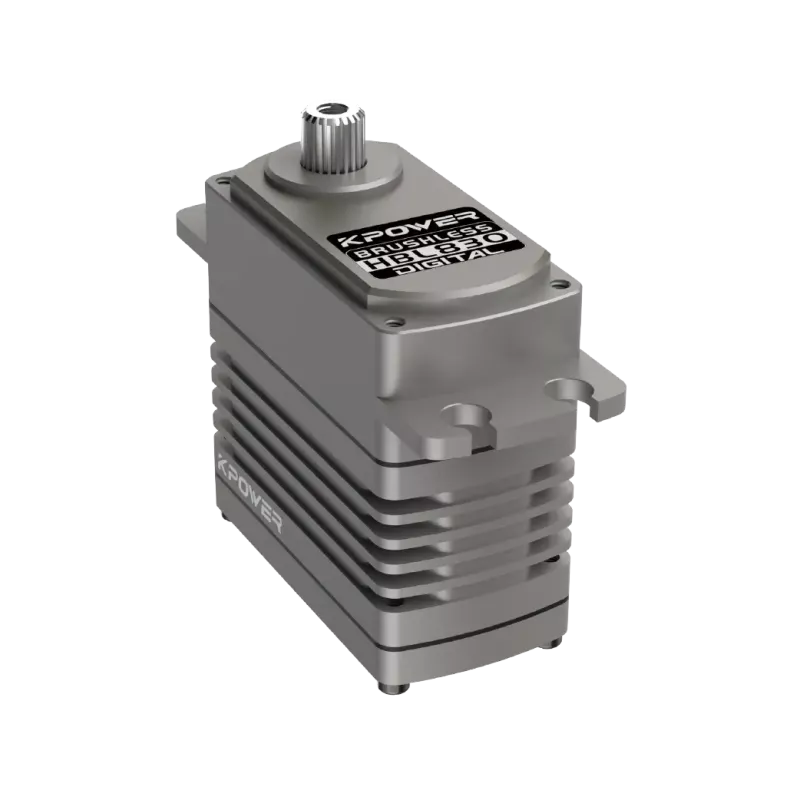
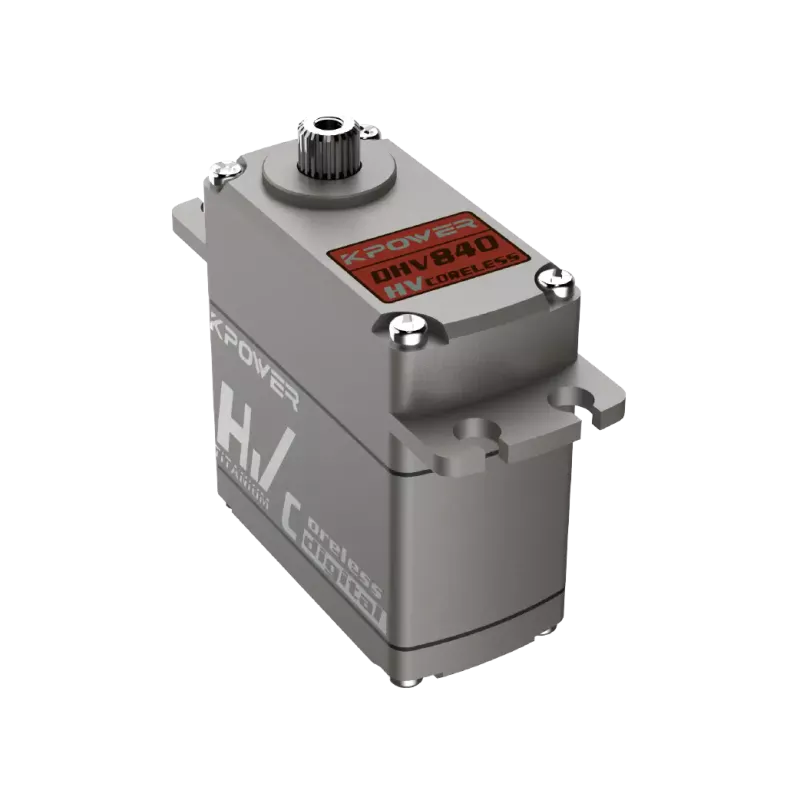
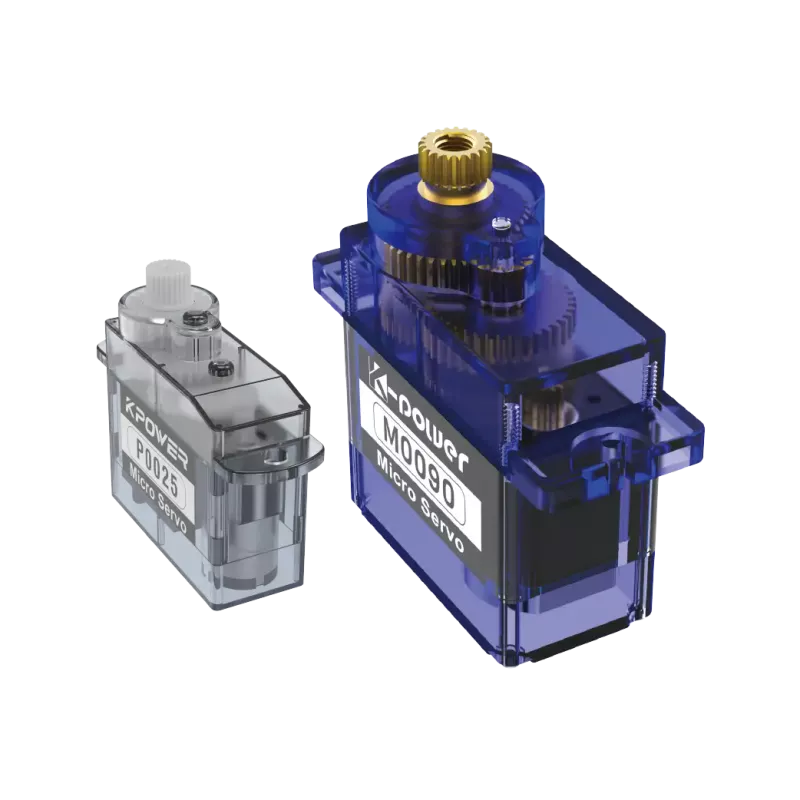
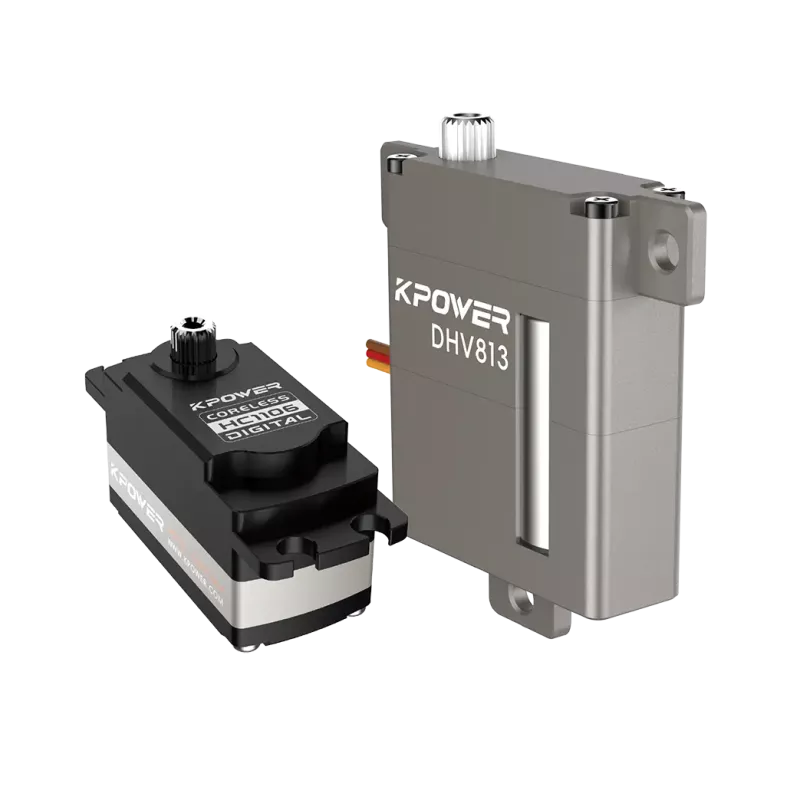
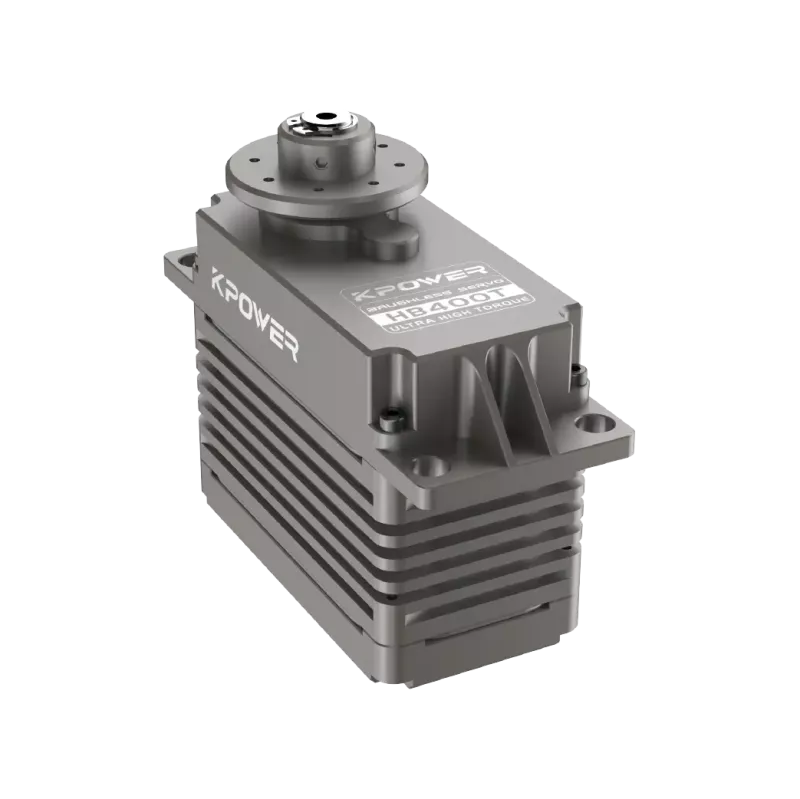
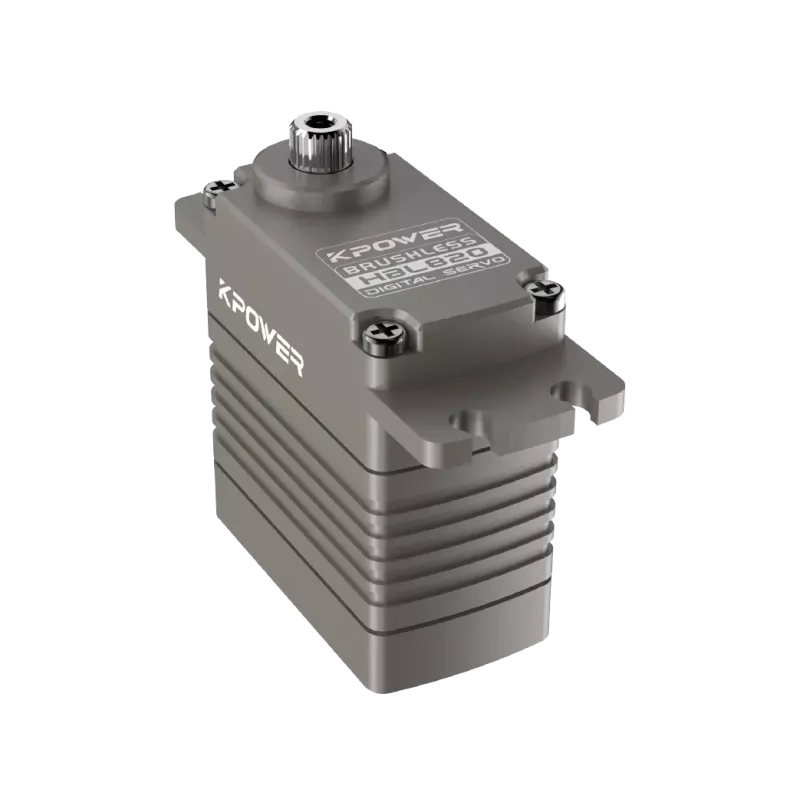
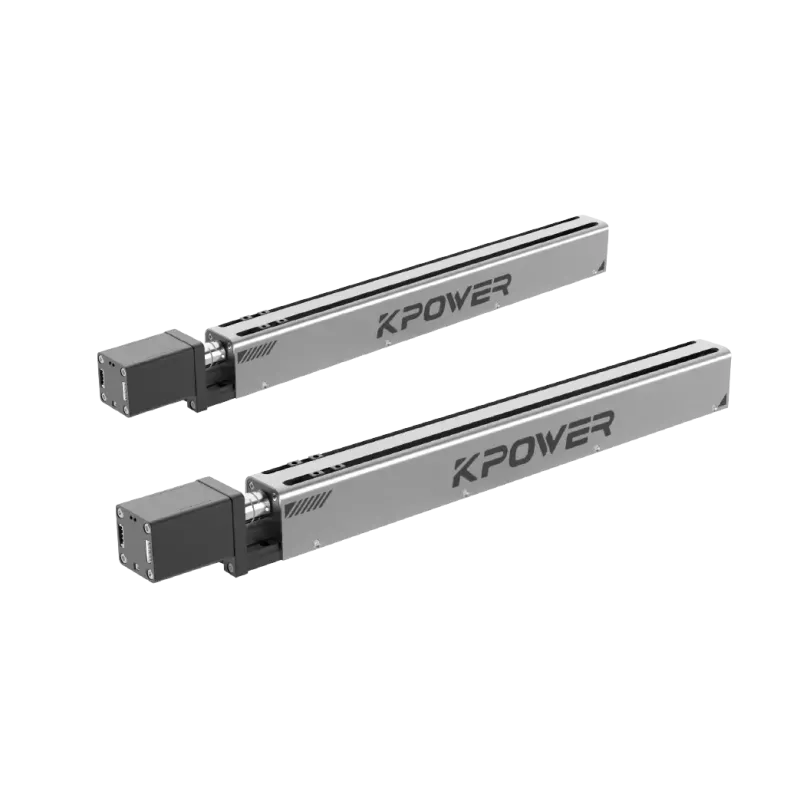
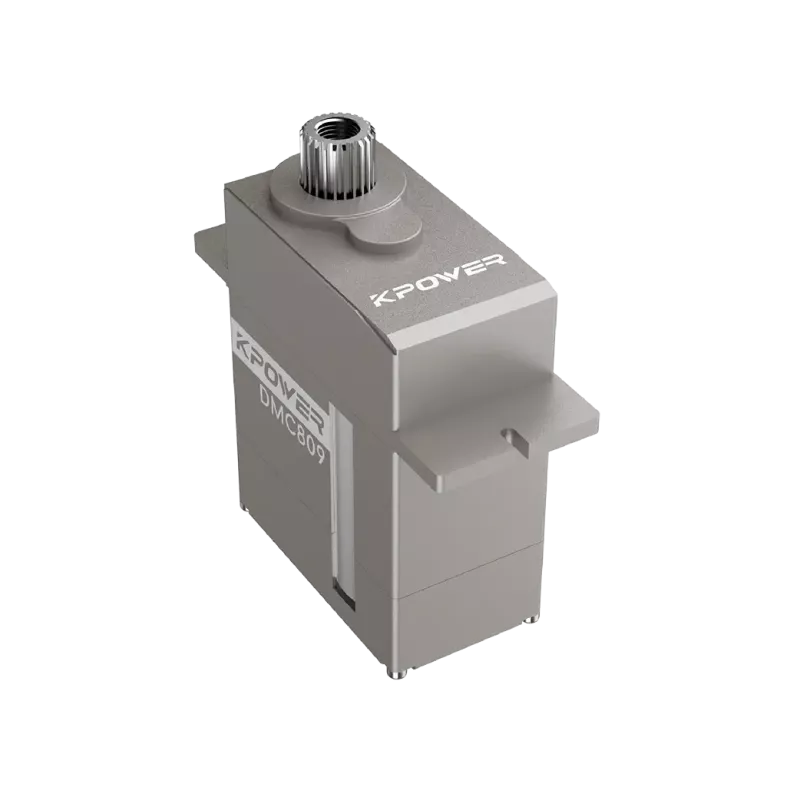
Thatkpower servoHow can this guy achieve speed regulation? Because it has a built-in [red] smart driver chip [/red], it has created new tricks in the "position mode".
> You may ask: Is the blue leather servo I bought for 30 yuan useless?
>
The answer is that it has not been abandoned! But then again, what if you want to change and adjust the speed? Then you have to pay extra to choose a digital servo [red end character] with [red] or a [red] FOC smart servo [red end character]. If you are considering simulating a servo, then don't continue researching and just take a rest.
◆ 2. The underlying logic of speed regulation—actually just three words: PWM
Keywords【Steady and steady】
Don’t be intimidated by abbreviations. PWM, whose full name is "Pulse Width Modulation", converts it into an easy-to-understand expression, which is to control the steering gear based on "the length of time the signal is energized within one second".
Imagine this:
So if you send a WeChat message to your girlfriend, and send a message with the content "I love you" every 10 seconds, and the duration of each message is 0.5 seconds, this situation corresponds to an ordinary servo.
Going to be gentle? Changes to last 1.5 seconds - the signal becomes wider, the servo feels that you have to turn gradually, and this is the case.
You want to be grumpy? Lasts 2.5 seconds - good guy, just jump into place.
The key rule is that when the pulse width is narrower (1ms), the rotation speed is slower; and when the pulse width is wider (2ms), the rotation speed is faster. What you need to pay attention to is! This is specifically for [red] digital servos with speed control functions [/red]. For ordinary position servos, the pulse width only determines where it stops, not how it moves.
Case 1:
Li Ming bought onekpower servoAfter connecting the HV series product to the remote control, I found that the servo arm was in two situations, either in a static state or in a crazy rotation.. Why is this? The reason is that he used "refresh frequency" incorrectly. The frequency of ordinary servos is 50Hz, which means it sends 50 pulses per second, but the product he purchased supports 333Hz, which eventually caused the signal to become chaotic and caused the servos to fall directly into an abnormal state similar to schizophrenia.
First, check the manual and adjust the refresh rate [/red] marked [red] on the ESC or receiver to a gear that the servo can support. Be sure to be steady and down-to-earth. Don't directly enter the full throttle state when you first get started.
◆ 3. Practical three steps - simpler than instant noodles
According to the needs of the audience, we divide them into three types:
✅ You are a remote control model player (car/boat/airplane)
The first step is to open the remote control menu and find the "Servo Stroke", which is the EPA option, or find the "Speed", which is the Speed option.。
Step 2: Change the channel type from the one called "Normal" to the one called "Digital High-Speed".
Step 3: Reduce the percentage of "speed" (for example, from 100% to 30%). You can see the servo arm acting like a slow-motion playback - elegant, so elegant!
✅ You are an Arduino maker
> Don't usedelay()This kind of writing from the underworld. Correct posture:
>
>
> // Keyword [Jian Wei Zhi Shu] > for(int pulse=1500; pulse>1000; pulse-=5){ // Slowly shrink from 1.5ms to 1ms > myservo.writeMicroseconds(pulse); > delay(15); // Wait 15ms for each step, total time = (500/5)*15=1.5 seconds to complete the transfer > } >This is the so-called "micro-step speed adjustment", pay attention!kpower servoSome models have the ability to support 1μs precision, which can achieve the silky-smooth movie robotic arm effect.
✅ You are a maintenance man (repairing industrial equipment)
[Go] Use the red CAN bus directly for speed control [/Go]. Send the desired command SetSpeed(200) through the host computer, and its unit is °/s.There are common faults: customers will complain that "it's as slow as a turtle". In fact, the speed limit is set to 50°/s - and if it is adjusted to 300°/s, it will run very fast instantly.。
◆ 4. 3 pitfalls that can make you fall over (80% of novices have fallen through)
Pit 1: Insufficient voltage
It is clear that the signal is correct, but why does the servo still vibrate abnormally? Then check the output status of BEC. For the 7.4V high-voltage version of Kpower Servo, if you only give it 5V, it doesn't even have the ability to stand up to show strength. How can we talk about speed regulation?
Pit 2: Mechanical jamming
There was a case where the user adjusted the speed of the servo to 10%, but the final result was still a rattling sound. After disassembly and inspection, it was found that a hair was wrapped around the rocker arm shaft. [Red] Compared with electronic speed regulation, physical limits always have priority [/Red].
Pit 3: Frequency mismatch
The upper limit of the frequency supported by those digital servos is 400 Hz, but you are using an old remote control with a frequency of 50 Hz. This is like putting a Ferrari in first gear. As a result, not only is it impossible to adjust the speed, but it may even burn out due to heat.
◆ 5. Frequently Asked Questions Q/A (life-saving collection)
Q: Can my ordinary analog servo adjust speed?
A: No. The servo used to simulate the situation only supports a specific 50Hz PPM signal. Forcibly adjusting the speed will cause the circuit board to burn out.
Q: Why does the servo shake after slowing down?
A: The step size of the pulse width change is really too large. You need to change the delay(20) in the code to delay(5) to make the fine-tuning more delicate.
Q: What is the difference between Kpower Servo and other speed regulators?
A: Closed-loop speed control is supported. Even if the load changes, the speed remains constant. However, once the ordinary servo encounters resistance, the speed will decrease.
Q: How to adjust the speed in real time using the remote control knob?
A: Mix the rotary button mapping and "channel speed" control. Many mid-range and above remote controls have this function.
Q: Will adjusting it too slowly damage the servo?
A: No, slow speed will actually reduce gear impact, thereby extending life (unless of course you are in a situation of continuous stalling).
◆ 6. Suggestions for action - If you don’t take action, you will get old
Repeat [red] core point [/red]:
1. Speed regulation is not about adjusting the voltage;Adjust the pulse transition time from narrow to wide。
2. Don’t waste your efforts on ordinary servos, go directly to digital servos like Kpower Servo, which have closed-loop speed characteristics.。
3. Always check [Red] refresh rate matching + power supply capacity [/Red] first.
[Finally, I’ll give you a list, just tick it]
□ Step one: Confirm your servo model (analog/digital/FOC)
Suppose there is such a situation, that is, in the second step, if you are facing a digital servo, then you need to adjust the refresh rate of the receiver and ESC to above 200Hz.
Step 3: In the remote control or code, use "a change of one to five microseconds per step plus a pause of ten to twenty milliseconds" to create slow speed.
□ Step 4: Mount the actual load test and fine-tune the step value
□ Step 5: If it still shakes? The rocker arm was disassembled and tested for idling - to rule out mechanical jamming.
Keywords [Practice makes perfect]
Now pick up your remote control and start at 50% speed, causing the servo arm to turn like a ballet dancer. Is there a malfunction? Don't be afraid, Kpower Servo's overload protection will take care of the consequences for you - but remember to read the instructions in full first, and don't really use it as a hammer.
Remember, all precise control starts with patience for every pulse.
(Full text is over, a blank line means you can start practicing)
Update Time:2026-05-09
Contact Kpower's product specialist to recommend suitable motor or gearbox for your product.


