



























TECHNICAL SUPPORT


Published 2026-01-29
Ever wondered how to make things move precisely? Maybe you’ve tried to build a little robotic arm or a camera tracker, only to find the movement jittery or unreliable. The real issue often isn’t the idea—it’s getting the motor to listen. That’s whereservomotors come in, and controlling them with something like Arduino can feel like a puzzle. But what if it didn’t have to?
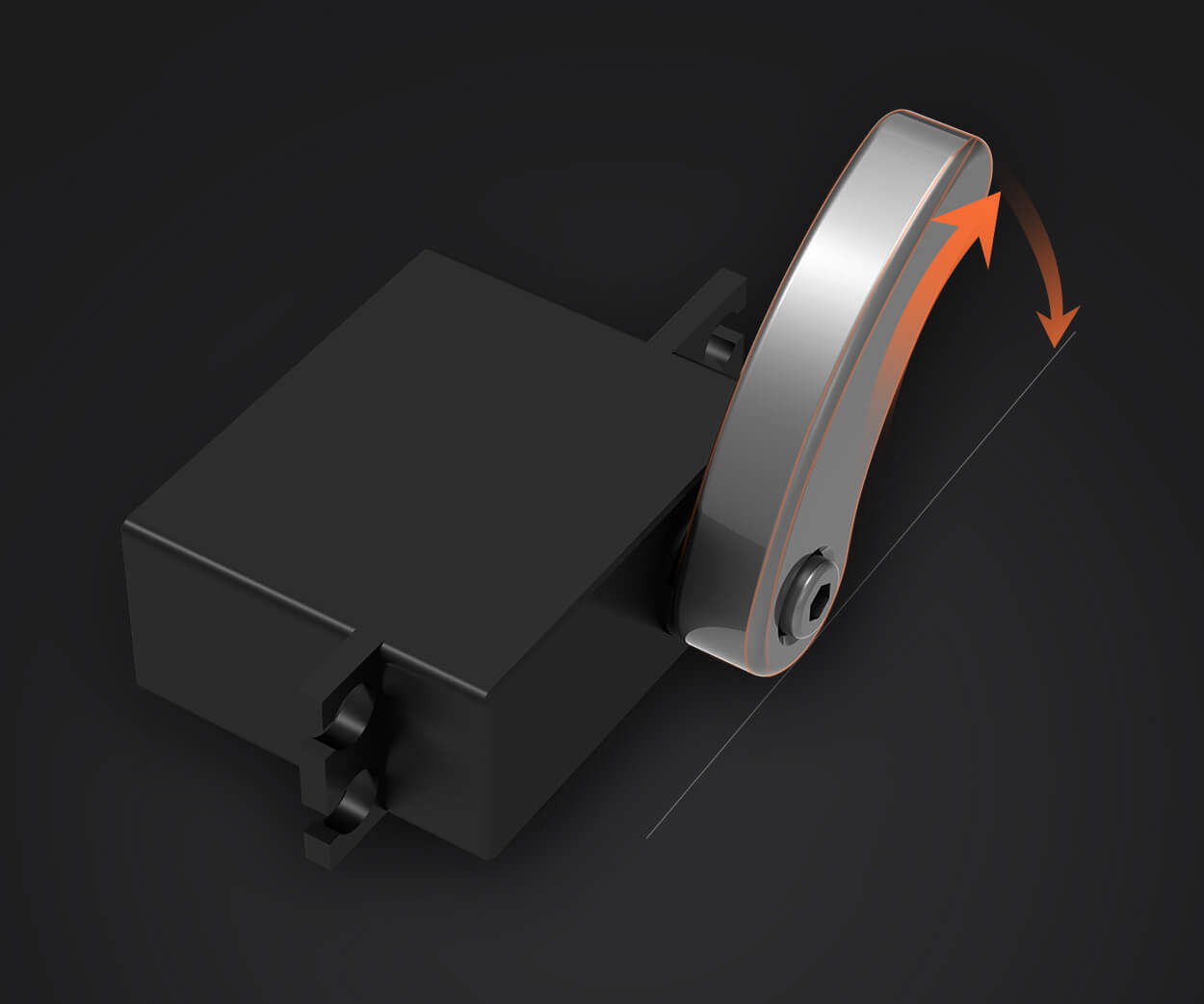
Let’s talk about whyservos are so cool. Unlike regular motors that just spin,servos can hold a specific position. You tell them an angle, and they stick to it. That’s perfect for projects needing controlled motion—think opening a lid, steering a model car, or animating a prototype. So, how do we bridge the gap between your Arduino board and that tiny motor that refuses to cooperate?
First off, you’ll need a few basics: an Arduino (any common model works), a servo motor, some jumper wires, and a power supply. Sounds straightforward, right? But here’s where many hit a snag: power. Arduino pins alone often can’t provide enough juice for a servo to run smoothly. That leads to sluggish movement, twitching, or even board resets. Frustrating? Absolutely.
How do you solve that? One reliable method is using an external power source for the servo while letting Arduino handle the signal. It’s like having a conductor directing a musician—the conductor doesn’t play the instrument but guides how it should sound. Here, Arduino sends precise pulses to tell the servo which angle to turn to, while a separate battery or adapter feeds it strength. This keeps everything stable.
You might ask, “What about coding?” Surprisingly simple. Arduino’s Servo library makes it almost plug-and-play. A few lines of code can set the position, sweep between angles, or react to sensor inputs. But let’s pause on something deeper: why does this matter beyond just making things move? Because precision control unlocks creativity. When your hardware responds exactly as intended, your project stops fighting mechanics and starts expressing ideas.
Choosing the right servo matters too. Not all servos are equal—some are built for speed, some for torque, some for silence. For most Arduino projects, a standard hobby servo does the job well. Brands likekpoweroffer options that balance performance and ease of use, giving you one less thing to worry about. Ever connected a servo only to hear it buzzing or straining? That’s often a mismatch between what you’re asking and what it can deliver. Picking a suitable model smooths the path.
Now imagine this: you’ve wired it all up, uploaded a simple sweep sketch, and see the servo turn smoothly from 0 to 180 degrees. That moment of seeing physical motion obey digital command—it’s a small thrill. You start thinking of applications: automated plant watering, a pet feeder, a custom pan-tilt for a camera. The method becomes a tool, and the tool invites experimentation.
But here’s a twist—some prefer to dive deeper, bypassing the library to write raw pulse commands. It’s like choosing between driving an automatic or manual car. Both get you there; one gives more fine-grained control. While beginners can stick to the Servo library, tinkerers might enjoy crafting signals manually. That flexibility is part of the fun with Arduino.
So, what’s the real benefit of learning this? Beyond the immediate project, it teaches integration. You bring together software, electronics, and mechanics. Each successful setup builds confidence to tackle more complex systems. And when components cooperate, your focus shifts from “why isn’t this working?” to “what can I create next?”
A quick note on common pitfalls: noise from shared power supplies, inadequate current, or incorrect pulse ranges can all cause hiccups. Isolating power, using capacitors, or double-checking timing often clears things up. It’s like tuning an instrument—small adjustments yield clearer results.
Stepping back, controlling a servo with Arduino isn’t just a technical task. It’s a gateway to making ideas tangible. Whether you’re a hobbyist prototyping a new gadget or someone exploring automation basics, this skill turns abstract concepts into motion. And when you combine reliable components with straightforward methods, the process feels less like troubleshooting and more like discovery.
At the end of the day, it comes down to this: you have an idea, a board, and a motor. With a bit of know-how, they can work in harmony. And when they do, that’s when projects come alive—smoothly, precisely, and exactly as you imagined.
Established in 2005,kpowerhas been dedicated to a professional compact motion unit manufacturer, headquartered in Dongguan, Guangdong Province, China. Leveraging innovations in modular drive technology,kpowerintegrates high-performance motors, precision reducers, and multi-protocol control systems to provide efficient and customized smart drive system solutions. Kpower has delivered professional drive system solutions to over 500 enterprise clients globally with products covering various fields such as Smart Home Systems, Automatic Electronics, Robotics, Precision Agriculture, Drones, and Industrial Automation.
Update Time:2026-01-29

Contact Kpower's product specialist to recommend suitable motor or gearbox for your product.


