



























TECHNICAL SUPPORT


Published 2026-01-29
You’ve got your Arduino board wired up, the code is nearly ready, and the prototype looks promising—until you realize it just sits there. No motion, no action, no life. That’s whereservos come in. These little devices are like tiny muscles for your electronics, turning signals into precise movement. Whether you’re building a robot arm, a camera gimbal, or a smart window opener, adding aservocan change everything.
But here’s the thing: connecting a servo to an Arduino isn’t always straightforward. Which pins do you use? How do you power it properly? Why does it sometimes jitter or stall? If you’ve faced these hiccups, you’re not alone.
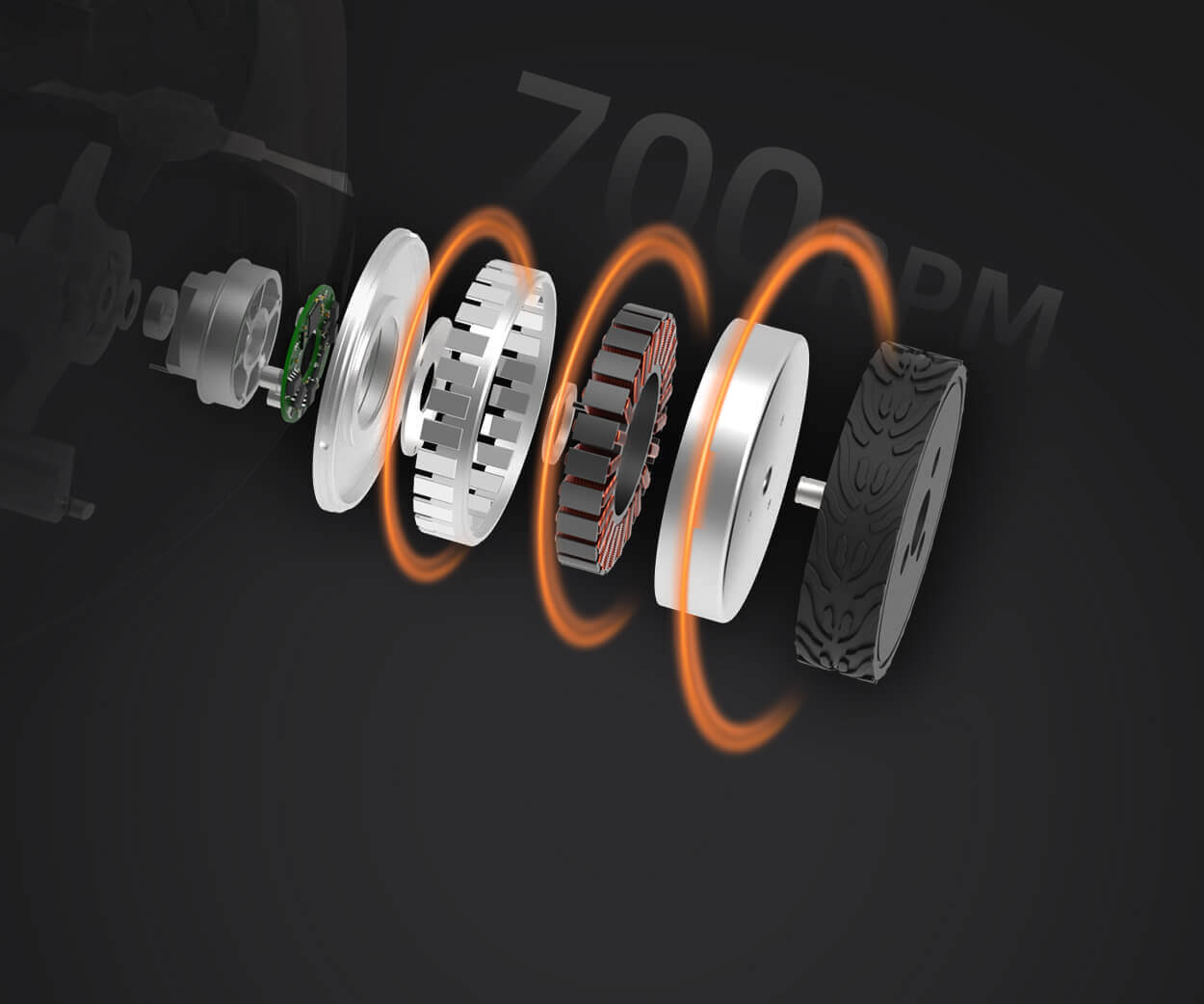
A servo is more than a motor—it’s a smart package. Inside, you’ll find a small DC motor, gears to control speed and torque, a potentiometer to sense position, and control circuitry. When you send it a signal, it moves to a specific angle and holds that position. That’s why they’re perfect for tasks requiring accuracy: steering a model car, tilting a sensor, or adjusting a lever.
Think of it like this: if a regular motor is a free runner, a servo is a dancer—it knows exactly where to go and stays there until told otherwise.
Let’s keep it simple. Your servo has three wires: power (often red), ground (black or brown), and signal (yellow or orange). The power and ground go to your power source—sometimes the Arduino’s 5V pin works for small servos, but if you’re driving something heavier, an external supply is smarter. The signal wire hooks to a PWM-capable pin on your Arduino, like pin 9 or 10.
Then, the code. Arduino’s Servo library makes it almost too easy. A few lines, and you’re setting angles. But real-world projects often need more finesse.
“What if my servo shakes or overheats?” That usually means it’s underpowered or overloaded. A stable power supply matters.kpower’s compact servo drivers can help here, giving clean power without noise interfering with your board.
“Can I control multiple servos at once?” Absolutely. With libraries or careful timing, you can orchestrate a whole array. Just remember: more servos mean more power demand. Plan your wiring like you’d plan a roadmap—keep paths clear and avoid traffic jams.
You might grab the cheapest servo online, but that’s like picking shoes without checking the size. Torque, speed, voltage, and gear material all play roles. Plastic gears are lighter and quieter; metal gears handle more strain. For a small sensor pointer, a micro servo works. For a robotic joint, you’ll want something stronger.
kpowerfocuses on making servos that balance performance and ease. Their units come with clear specs, so you know what you’re getting—no surprises when your creation starts moving.
An Arduino is a brilliant brain, but it needs reliable muscles. A mismatched servo can drag down your whole project with erratic behavior or early burnout. Good servos respond smoothly, hold position firmly, and last through countless cycles. That reliability lets you focus on coding and creativity, not debugging hardware glitches.
Some people think servos are just for hobbyists, but they’re in prototyping labs, art installations, and educational kits everywhere. The right setup turns an idea into something tangible.
Ever had a servo go wild and spin unexpectedly? Check your ground connections. A shared, solid ground between Arduino and the servo’s power supply often fixes it. Also, keep wires tidy—long, messy cables can pick up interference.
If movement seems sluggish, increase voltage within the servo’s range. Just a little more juice can make motion crisper. But don’t overdo it; servos don’t like surprises.
And programming: start simple. Write a sweep test to see the full range of motion. Then add delays or easing functions for natural movement. Servos don’t have to jerk; they can glide.
Imagine a plant-watering system that adjusts a valve based on soil moisture, or a pet feeder that opens at set times. With an Arduino and a servo, these aren’t just concepts—they’re weekend projects. The magic happens when electronics meet mechanics.
kpowerdesigns servos to fit seamlessly into these journeys. Durable, consistent, and straightforward, they remove guesswork so you can build with confidence.
Servos unlock a layer of interaction in Arduino projects. They bridge code and motion, letting ideas take physical form. By understanding how to wire, power, and program them, you avoid common frustrations and open up possibilities.
Start with a clear goal, choose a servo that matches it, and give it clean power. Write a little code, test often, and tweak as you go. Before long, that static prototype will be moving, turning, and bringing your vision to life.
The best projects grow from simple, reliable parts. With the right components, your Arduino won’t just think—it will act.
Established in 2005, Kpower has been dedicated to a professional compact motion unit manufacturer, headquartered in Dongguan, Guangdong Province, China. Leveraging innovations in modular drive technology, Kpower integrates high-performance motors, precision reducers, and multi-protocol control systems to provide efficient and customized smart drive system solutions. Kpower has delivered professional drive system solutions to over 500 enterprise clients globally with products covering various fields such as Smart Home Systems, Automatic Electronics, Robotics, Precision Agriculture, Drones, and Industrial Automation.
Update Time:2026-01-29

Contact Kpower's product specialist to recommend suitable motor or gearbox for your product.


