




TECHNICAL SUPPORT


Published 2026-05-01
The first problem that many robot enthusiasts, aircraft model players, and electronic engineers encounter when getting started is how to control the analog servo.The key to the control of the analog servo is the PWM signal. How to set the angle of the servo output shaft by changing the high-level pulse width.. This article will provide you with a complete set of control solutions that can be operated immediately based on common technical standards in the industry and using common control scenarios as examples.
How to control the analog servo? The simplest answer is to use a PWM signal with a period of 20ms, which is called milliseconds. The pulse width of this signal is between 0.5ms and 2.5ms. The specific corresponding relationship is as follows.
0.5ms pulse: The servo output shaft rotates to 0 degrees (limit counterclockwise position)
1.0ms pulse: The servo output shaft rotates to 45 degrees
1.5ms pulse: The servo output shaft rotates to 90 degrees (neutral position)
2.0ms pulse: The servo output shaft rotates to 135 degrees
2.5ms pulse: The servo output shaft rotates to 180 degrees (limit clockwise position)
It is particularly important to point out that for different models of analog servos produced by different manufacturers, the corresponding relationship between pulse width and angle may have a difference of plus or minus 0.1 milliseconds. It is recommended that after powering on the servos, first test the actual angle corresponding to the median point, which is the 1.5 millisecond pulse, and calibrate it accordingly.
Before actual control, it is necessary to ensure that the hardware connection is correct.Analog steering gearThere are usually three wires:
Key requirements for power supply:
A single steering gear that meets standard analog characteristics can draw a current of 500 milliamperes to one amp at the moment it is started. When it is continuously running, the current is 200 milliamperes to 400 milliamperes.
When controlling multiple aircraft, if you want to control them at the same time, you must use an independent BEC (voltage stabilizing module) to power the aircraft, or use a special battery for model aircraft to power the aircraft. This is a necessary approach in this case.
If you use a controller (like Arduino) powered by USB, you must not drive the analog servo. Forcibly connecting the two will cause the controller to restart or be burned.
A common case is that when a beginner is in the debugging stage, he inserts the analog servo directly into the 5V pin of the Arduino. The end result is that the USB interface of the computer is protected from power outage, and the servo does not respond at all.The correct approach should be that the red wire of the servo should be connected to an external power supply of 4.8 to 6V, and the Arduino board should be powered by a separate power source. The two must share the same ground, that is, the negative pole can be connected to achieve the purpose.。
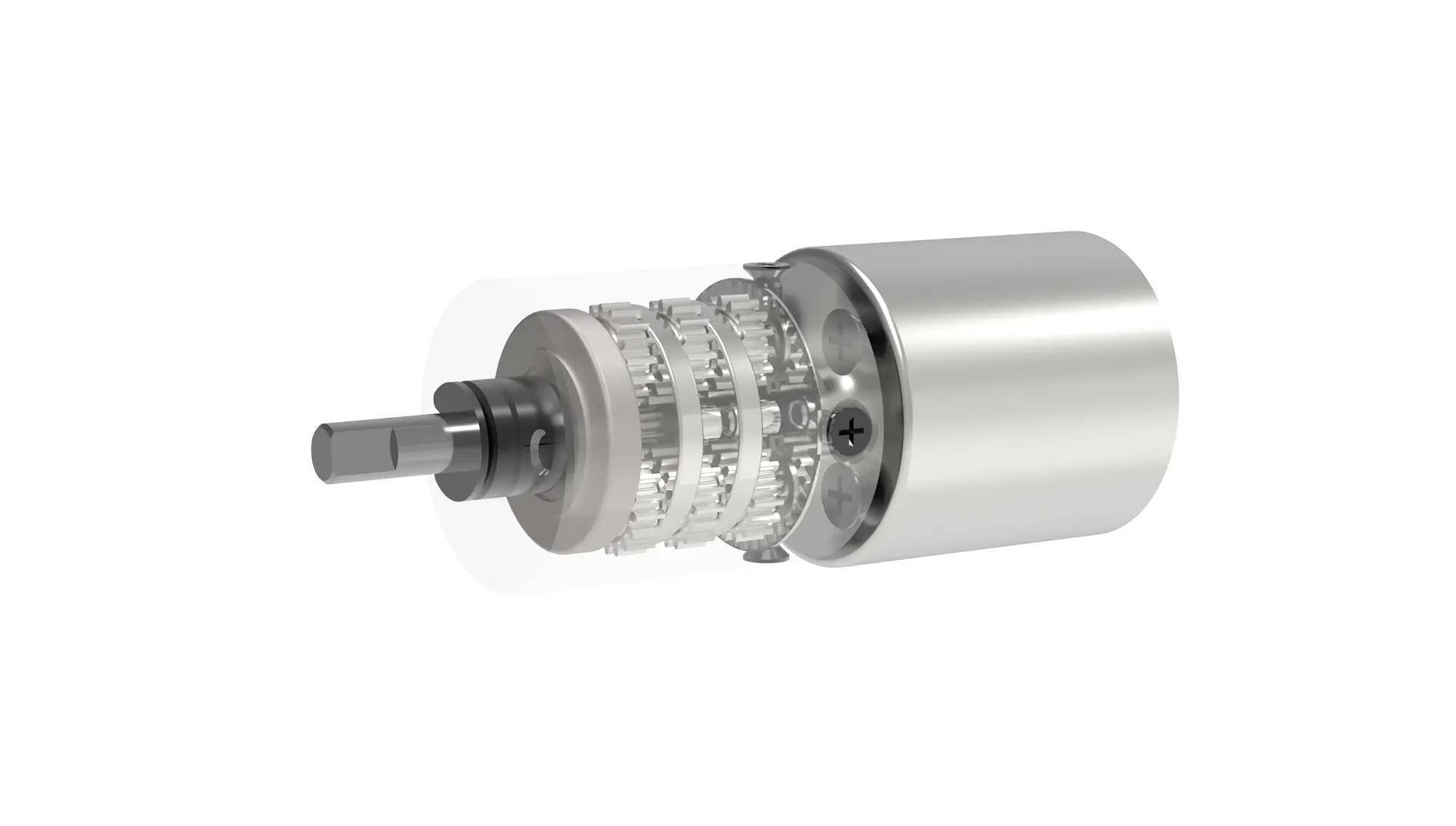
How to control the analog servo? According to the following 5 steps, you can achieve precise control within 30 minutes.
Analog steering gear1 piece (standard SG90, MG995, etc. are available)
Microcontroller (such as Arduino Uno, ESP32)
The external power supply is as follows: four 1.5V AA batteries are connected in series, and the voltage after series connection is 6V, or two lithium batteries are connected in series, but when the voltage after series connection is 7.4V, a voltage stabilizing device is required.
3 male to female Dupont wires
1. Servo brown wire → Controller GND
2. Red wire of servo → positive terminal of external power supply
3. The orange wire used to connect the servo is the PWM pin of the controller. For example, it is like the digital pin 9 of Arduino.。
4. Controller GND → negative pole of external power supply (important: common ground)
Taking Arduino IDE as an example, the core code is as follows:
#includeServo myServo; // Create servo object void setup() { myServo.attach(9); // Connect to pin 9 } void loop() { myServo.write(0); // Rotate to 0 degrees delay(1000); myServo.write(90); // Rotate to 90 degrees delay(1000); myServo.write(180); // Rotate to 180 degrees delay(1000); } Explanation: The function myServo.write (angle) will automatically generate a PWM signal corresponding to the pulse width. You do not need to manually calculate the pulse width.。
After completing the upload, the simulated servo should rotate to 0°, 90°, and 180° one by one. If the servo vibrates violently or cannot reach the specified angle, please check:
Is the supply voltage lower than 4.5V?
Is the red wire of the servo really connected to the external power supply and not the controller?
Is the common ground wire connected firmly?
If you want to simulate the servo rotating to a non-standard angle, such as thirty degrees, you can use the pulse width control function.
myServo.writeMicroseconds(1000); // Directly send 1000us (1.0ms) pulse -> corresponding to 45°Measure the pulse width with an oscilloscope or measure the pulse width with the help of a logic analyzer. Based on the actual measurement results, adjust the parameter value of writeMicroseconds() until the actual required angle is reached.
Q1: What should I do if the analog servo buzzes but does not rotate after being powered on?
If the equipment has insufficient power supply or is stalled, the load must be disconnected first and the test under no-load condition is performed. If the equipment still does not rotate after the test, it is necessary to replace the power supply with a voltage between 4.8V and 6V and a current of more than 2A.
Q2: The rotation angle of the simulated servo deviates by more than 10 degrees from the set value. How to calibrate it?
A: Use writeMicroseconds() to modify the pulse width reference, for example, adjust the midpoint from 1500us to 1550us and then retest.
Q3: Can I use ordinary GPIO pins instead of PWM pins to control analog servos?
The servo will vibrate violently because the non-PWM pin cannot generate a sustained and stable 0.5 to 2.5ms pulse, so it cannot。
Q4: Are the control signals of analog servos and digital servos common?
Commonly used, both use a 50Hz PWM signal, but the digital servo has a faster response and higher accuracy.
Q5: What is the minimum hardware required to control 8 analog servos at the same time?
You need a PWM expansion board, such as PCA9685, and a regulated power supply that converts 12V to 6V divided by 10A. The controller only sends I2C commands.
Master the basicsHow to control the analog steering gearFinally, you can use the following methods to optimize performance:
1. speed control: Don’t be directwrite(90)Jump, but loop and increment:
for(int angle=0; angle2. Prevent jitter. When the servo reaches the designated position, it will continue to send signals at the intermediate position to avoid deviation due to external forces.
3. Multi-server collaboration, use the delay() function or millis() function to control the timing to prevent signal conflicts.
4. Pre-judge the fault. Through simulation, if the steering gear continues to hinder rotation and this situation lasts for more than 5 seconds, it may cause the internal MOS tube used for driving to be burned out. Therefore, an additional device with over-current protection function must be installed.
Let me emphasize the core point again: To understand how to control the analog servo, the essence is to master the pulse width modulation of the PWM signal. The period is fixed at 20ms, and the corresponding pulse width is between 0.5ms and 2.5ms. This pulse width range corresponds to 0° to 180°. The power supply must be independent and stable between 4.8V and 6.0V. The ground wire must be connected to the ground wire of the controller. This is the basic premise of all control schemes.
Action suggestions for you:
1. Take action immediately: Take out the analog servo and Arduino board you have, follow "Steps 1 to 4" to build the circuit, and complete the first rotation test today.
2. Perform verification calibration, use the writeMicroseconds() function to actually measure the true angle of your servo at a pulse width of 1500 microseconds, and record the deviation value for subsequent programming compensation.
3. Scenario application: Choose a project you are currently working on (such as a robotic arm, gimbal, smart car) and integrate the smooth control code in this article directly into your program.
Extract one sentence: The complete answer to how to control the analog servo is - supply power independently, connect the ground wire together, input a 50Hz PWM signal, and its pulse width corresponds linearly to the angle. By following this guide, you can achieve stable control of any standard analog servo without any additional information.
Update Time:2026-05-01

Contact Kpower's product specialist to recommend suitable motor or gearbox for your product.