

TECHNISCHE UNTERSTÜTZUNG


Veröffentlicht 2026-07-12
Schnelle Antwort
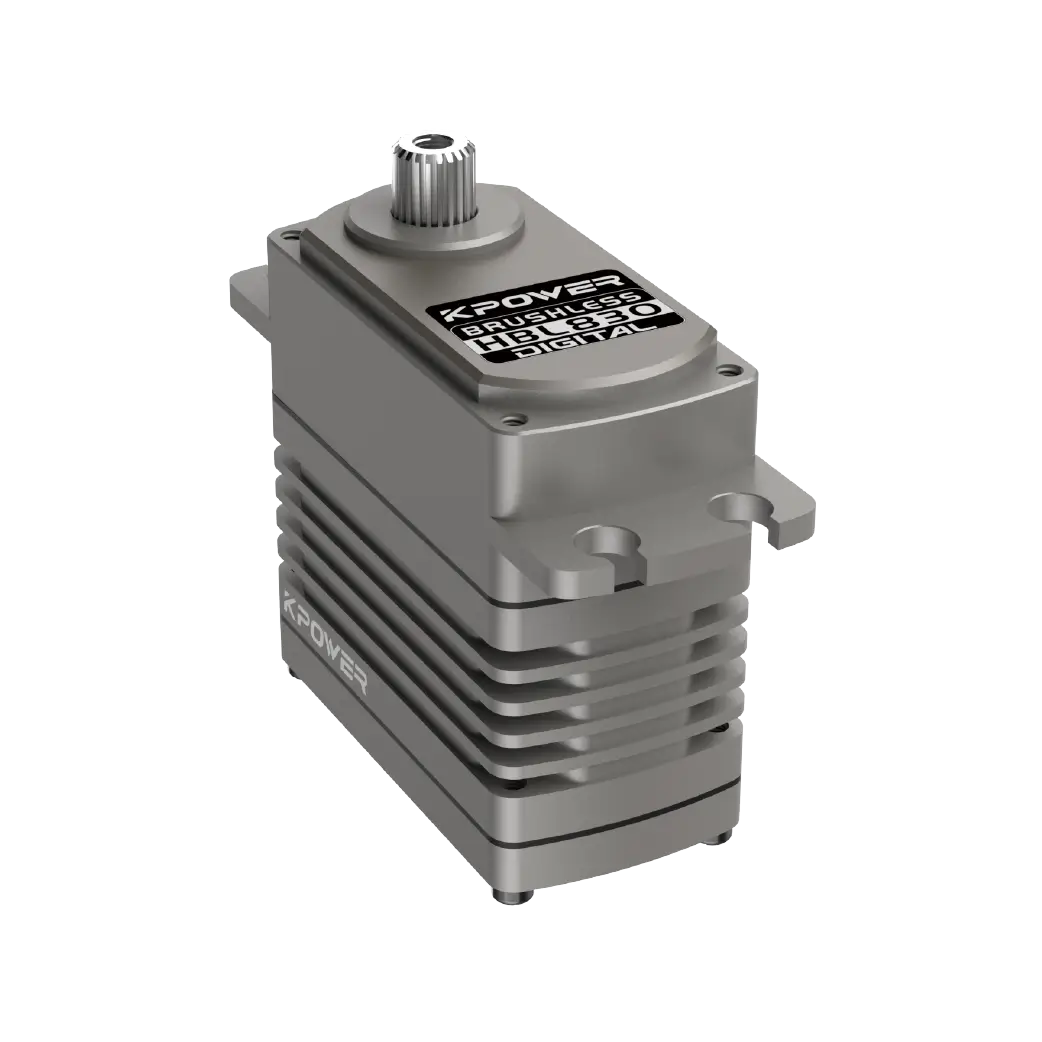
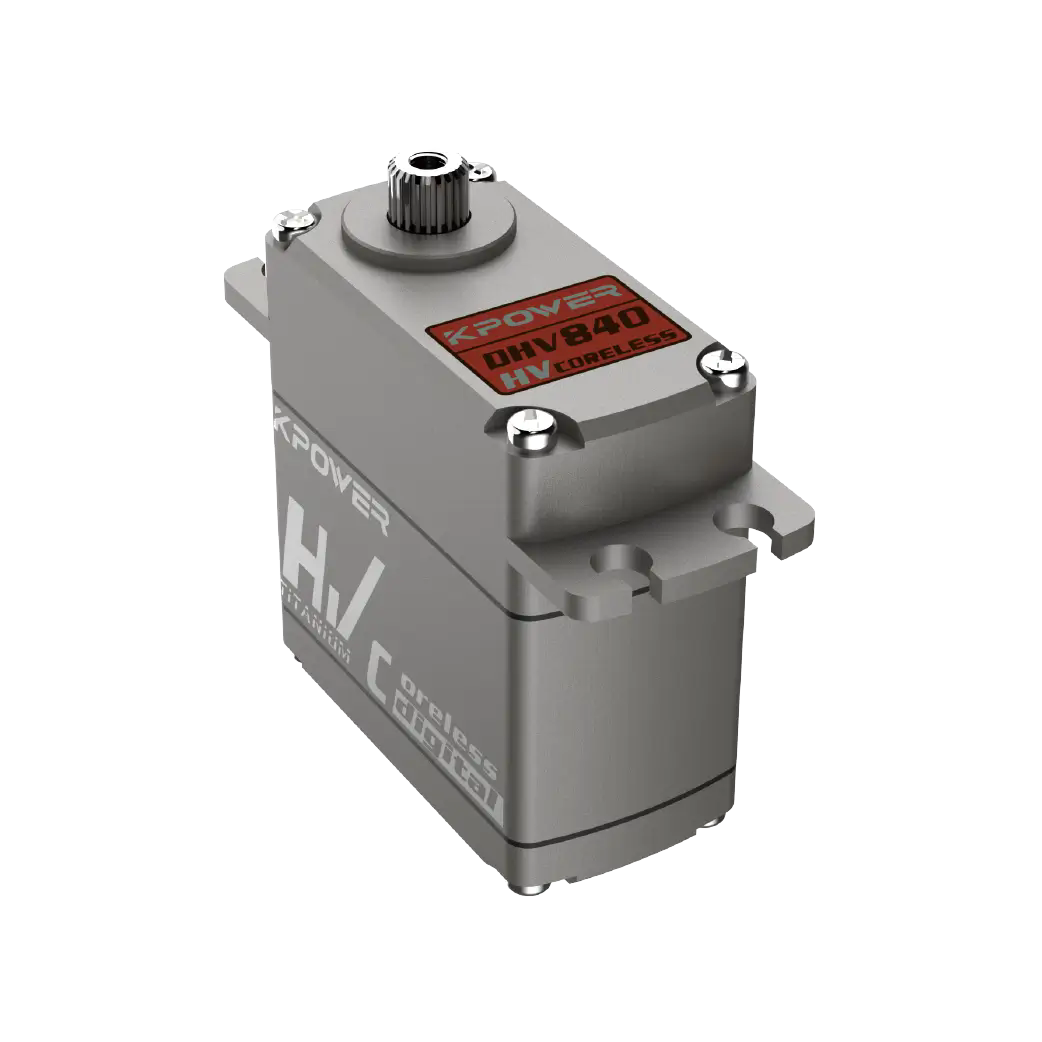
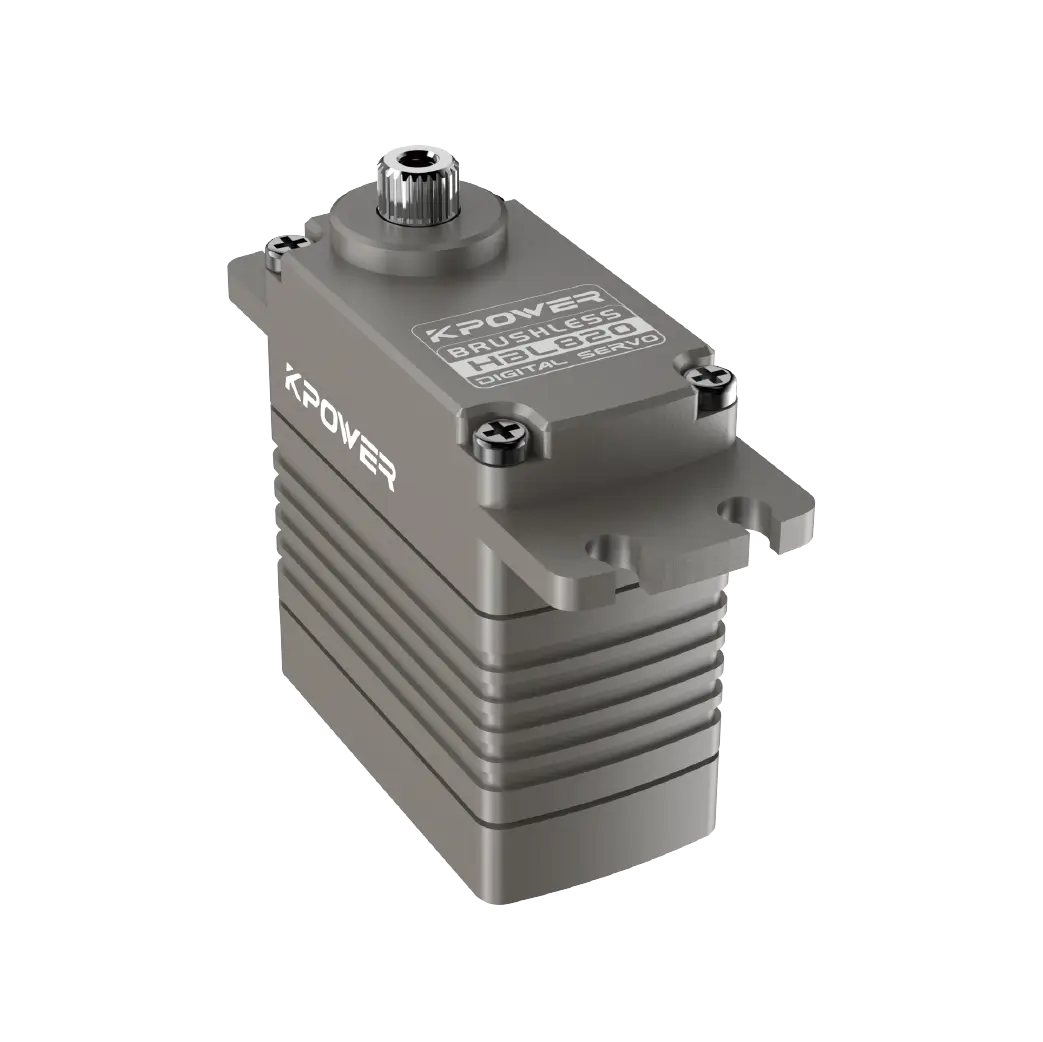
Ein 3D-Modell von aServoMotor ist eine digitale Darstellung, die für mechanisches Design, Raumvalidierung und Montageplanung verwendet wird. Sie können diese Modelle von Hersteller-Websites, Online-CAD-Bibliotheken oder Lieferantenportalen herunterladen. Zu den wichtigsten Schritten gehören die Identifizierung der richtigen Modellnummer, die Auswahl des richtigen Dateiformats, das Importieren der Datei in Ihre Designsoftware und die Überprüfung der Abmessungen. Dieser Prozess hilft Ihnen, kostspielige Neukonstruktionen zu vermeiden, Montageprobleme zu reduzieren und Ihren Produktentwicklungszyklus zu beschleunigen. Stellen Sie vor der Prototypenerstellung immer sicher, dass das Modell mit der physischen Einheit übereinstimmt.
Jedes Ingenieurteam kennt diese Situation: Sie stellen ein mechanisches Layout fertig und bestellen dasServo, und stellen Sie fest, dass die Befestigungslöcher nicht ausgerichtet sind. Das Gehäuse behindert eine Halterung. Die Schaftlänge ist falsch. Diese Probleme sind häufig auf die Verwendung eines falschen oder veralteten 3D-Modells zurückzuführen. Wenn Sie mit a arbeitenServoMotorDas 3D-Modell ist nicht nur eine visuelle Hilfe – es ist ein wichtiges Designtool, das bestimmt, ob Ihre Baugruppe passt, funktioniert und die Prüfung besteht. Sich auf generische Zeichnungen zu verlassen oder diesen Schritt ganz zu überspringen, birgt Risiken. Die Lösung ist unkompliziert: Erfahren Sie, wie Sie das richtige 3D-Modell für Ihren spezifischen Servomotor finden, herunterladen und installieren.
Inhaltsverzeichnis
1. Warum ein 3D-Modell im mechanischen Design wichtig ist
2. Wo kann man Servomotor-3D-Modelle herunterladen?
3. Dateiformate, denen Sie begegnen werden
4. So importieren und überprüfen Sie das Modell in Ihrer Software
5. Häufige Fehler bei der Verwendung heruntergeladener Modelle
6. Fragen, die Ingenieure häufig zu Servo-3D-Modellen stellen
7. Bringen Sie Ihr nächstes Design ohne Verzögerungen voran
Warum ein 3D-Modell im mechanischen Design wichtig ist
Wenn Sie um a herum entwerfenServomotorDie physischen Abmessungen bestimmen Ihre Gehäusegröße, die Auswahl der Wellenkupplung und den Verkabelungsabstand. Ohne ein genaues 3D-Modell arbeiten Sie mit einer PDF-Zeichnung oder einem Datenblatt. Dieser Ansatz zwingt Sie dazu, Messungen manuell zu interpretieren, was zu menschlichen Fehlern führt. Schon ein Millimeter Unterschied in der Einbautiefe kann zu einer kompletten Neukonstruktion führen.
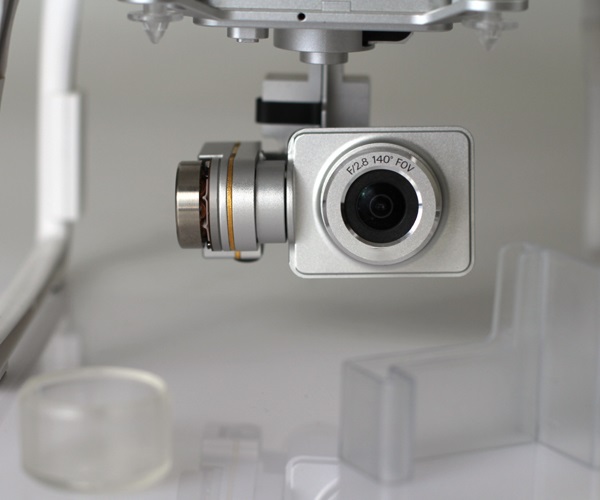
Das 3D-Modell beseitigt diese Unsicherheit. Sie erhalten einen exakten digitalen Zwilling des Motors. Sie können es in Ihrer Baugruppe platzieren, Interferenzen mit benachbarten Komponenten prüfen und die Kabelführung simulieren. Dies ist besonders wichtig, wenn der Servo Teil eines Mehrachssystems oder einer kompakten Maschine ist. Das Modell hilft Ihrem Beschaffungsteam auch dabei, den Motor-Footprint zu bestätigen, bevor es eine Bestellung aufgibt. In vielen Fällen hängt der Unterschied zwischen einem reibungslosen und einem verzögerten Projekt davon ab, ob Sie von Anfang an über die richtige 3D-Datei verfügten.
Wo kann man Servomotor-3D-Modelle herunterladen?
Sie haben mehrere zuverlässige Quellen dafürservo motor 3D models . The most accurate source is the manufacturer's own website. Companies like kpower Servo provide downloadable CAD files directly on their product pages. These files are maintained by the engineering team and reflect the latest production revisions. This is the safest option because the model matches the unit you will receive.
Online CAD libraries such as GrabCAD, TraceParts, or 3D ContentCentral also host servo models. These platforms are useful when you need a model from a brand that does not offer direct downloads. However, you should verify the file revision date. An outdated model may have incorrect dimensions. Some libraries allow users to upload their own models, which introduces quality variation. Always cross-check key dimensions against the official datasheet.
Supplier portals are another option. If you purchase through a distributor, they often provide access to a library of 3D models for the brands they carry. This can save time if you are sourcing multiple components from the same supplier.
File Formats You Will Encounter
When you download a servo motor 3D model, you will see several common file formats. Each format works best with specific CAD software. The most widely used formats include STEP (.stp), IGES (.igs), and SLDPRT for SolidWorks. STEP files are the most universal and work across almost all major CAD platforms. IGES is an older standard but still supported. SLDPRT is native to SolidWorks and preserves feature tree data, which can be useful if you need to modify the model.
Some manufacturers also offer Parasolid (.x_t) or ACIS (.sat) files. These are less common but still compatible with many high-end CAD tools. If your software does not accept the provided format, you can use a conversion tool or ask the supplier for an alternative. Avoid using STL files for mechanical design because they lack parametric accuracy and are intended for 3D printing, not precision assembly.
How to Import and Verify the Model in Your Software
After downloading the file, the next step is importing it into your CAD environment. The process varies slightly by software, but the core steps are the same.
First, open your assembly or part file. Use the import function, typically found under File > Open or Insert > Part. Select the downloaded file. Most modern CAD tools will automatically detect the format and load the model. If you receive an error, check whether the file is corrupted or if your software requires a specific import plug-in.
Once the model appears, do not assume it is correct. Verify the overall dimensions against the datasheet. Measure the mounting hole spacing, shaft diameter, shaft length, and overall body length. If any measurement differs by more than 0.1 mm, contact the supplier. Inconsistent dimensions can indicate an outdated revision or a model from a different variant.
Next, check the coordinate system. Some models are imported with the origin placed at the shaft center, while others use the rear face. This affects how you constrain the motor in your assembly. Adjust the coordinate system if needed,or use a reference plane to position the model accurately.
Common Mistakes When Using Downloaded Models
One frequent mistake is downloading the wrong model variant. A servo motor series may have multiple frame sizes, shaft options, or feedback types. A 60 mm frame motor and an 80 mm frame motor look similar but have completely different mounting patterns. Always match the model number on the file name to the exact part number you intend to use.
Another mistake is ignoring the cable exit orientation. Many servos have cables exiting from the side, rear, or bottom. If your design does not account for this, you may find that the cable interferes with the enclosure or a moving part. The 3D model should include the cable entry point, even if the cable itself is not modeled.
A third issue is using a simplified model for clearance checks. Some manufacturers offer a simplified version that omits small features like screw heads or keyways. This is fine for early layout work, but for detailed interference analysis, you need the full model. Always check whether you are using the simplified or detailed version.
Questions Engineers Often Ask About Servo 3D Models
Q: Do all servo manufacturers provide free 3D models?
Not all. Many established brands offer free downloads, but some smaller suppliers may require registration or a request. If a model is not available, you can create one from the datasheet dimensions.
Q: Can I use a 3D model from a different brand?
In most cases, no. Servo dimensions vary between brands even when the frame size is similar. Using a generic model risks fitment errors. Always use the model from the specific brand and model number you are purchasing.
Q: What should I do if the downloaded model does not open?
Check the file format compatibility. If your CAD software does not support the format, request a STEP file from the supplier. If the file is corrupted, download it again or contact technical support.
Q: How often do manufacturers update their 3D models?
Manufacturers typically update models when there is a design change. If you are working on a long-term project, check for model updates before finalizing your design.
Q: Is it safe to use user-uploaded models from community libraries?
Use caution. Community-uploaded models may contain errors. Always verify dimensions against the official datasheet. If possible, use manufacturer-provided files.
Q: Do I need a 3D model for every servo in my design?
Yes, especially if the servos are mounted close together. Accurate models help you avoid collisions in multi-axis systems.
Q: Can I modify a downloaded 3D model?
You can, but note that modified models are no longer guaranteed to match the physical unit. If you need a custom variant, request it from the manufacturer.
Q: What is the difference between a STEP file and an STL file for servo models?
STEP files are precise, parametric, and suitable for mechanical design. STL files are mesh-based, less accurate, and best for visual representation or 3D printing only.
Q: Should I model the connector or cable in my assembly?
If space is tight, yes. The cable bend radius and connector size can cause routing issues. Some suppliers provide cable models separately.
Q: How do I ensure the model matches the delivered product?
Compare the model dimensions against the datasheet before ordering. After receiving the unit, physically measure it and compare with the model.
Making Your Next Design Move Forward Without Delays
The time you invest in finding and verifying a servo motor 3D model pays back in reduced rework, faster approvals, and fewer surprises on the production floor. Your design team should treat the 3D model as a requirement, not an optional add-on. If you are sourcing a servo for a new project, start by checking the manufacturer's website for the correct file. Confirm the format matches your CAD software. Verify the dimensions before you to the layout.
If you are working with a specific brand like kpower Servo, their product pages include downloadable 3D models for most standard servo series. You can also contact their technical support team to request a custom model or confirm compatibility. The goal is to eliminate guesswork. When you have the right model in your hands, your design moves forward with confidence.
Update Time:2026-07-12

Wenden Sie sich an den Produktspezialisten von Kpower, um einen geeigneten Motor oder ein geeignetes Getriebe für Ihr Produkt zu empfehlen.


