




ASSISTANCE TECHNIQUE


Publié 2026-01-19
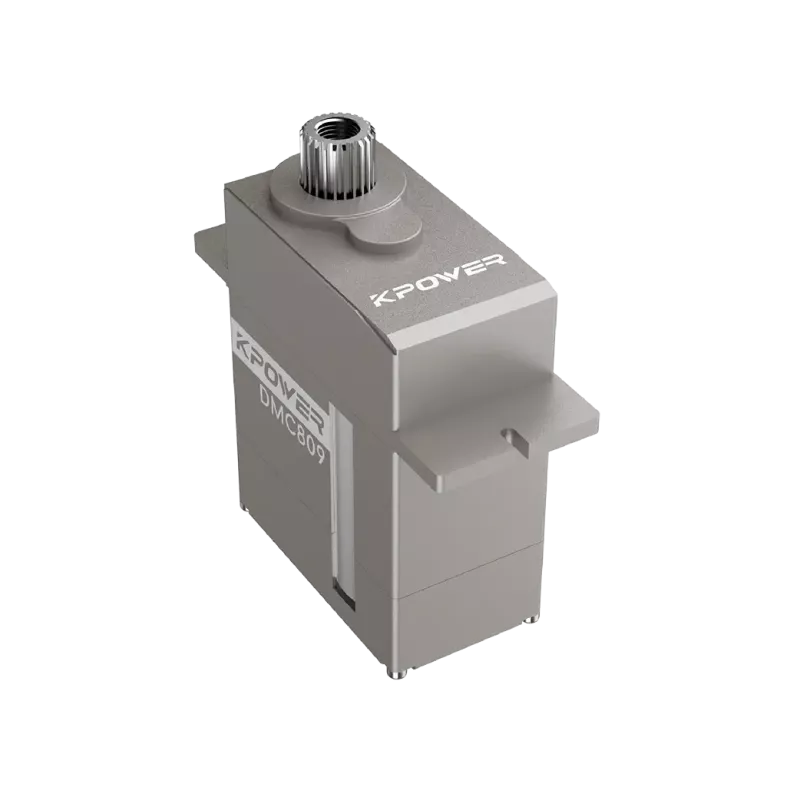
Alright, let's get this micro servomoteur attached.
You’ve got an Arduino board blinking hello on your desk, a couple of wires lying around, and a tiny micro servomoteur waiting to come alive. But the connection part feels like a puzzle, doesn’t it? Which wire goes where? Why does it sometimes jitter or refuse to move? We’ve all been there — staring at those three cables, wondering if one wrong move might let the magic smoke out.

So, how do you really hook it up without the guesswork? It’s simpler than it looks. Let’s break it down like a casual chat, no engineering degree required.
First things first — understanding your micro servomoteur. Most common micro servos come with three wires: power, ground, and signal. Usually, they’re color-coded: red for power, black or brown for ground, and yellow, orange, or white for the signal. That’s your starting point. Think of it like connecting headphones: wrong jack, no music. Same idea here.
Now, match them to your Arduino. The Arduino board has pins labeled — you’ll often use the 5V pin for power, GND for ground, and one of the digital PWM pins for signal. PWM stands for Pulse Width Modulation, but you can just remember it as the pin that tells the servo what to do. Pins like 9, 10, or 11 on a classic Uno are good friends for servos.
But here’s a real question: why does power matter so much? Try this: if your servo struggles, moves sluggishly, or gets hot, it’s often a power issue. The Arduino’s 5V pin can supply limited current. If you’re powering the servo directly from the board while it’s under load — like moving a small arm or a flap — it might not be happy. A separate power supply for the servo can be a game-changer. Just remember to connect the grounds together. It’s like giving your servo its own battery pack while keeping it in sync with the Arduino’s brain.
Speaking of movement, ever noticed a servo twitching when it shouldn’t? Noise on the signal line could be the culprit. Keeping wires neat and not too long helps. Avoid running signal wires right next to power lines — it’s like trying to have a quiet conversation next to a humming generator.
Now, let’s wire it step-by-step in plain words:
But wait — what if things still don’t move? Check your connections. Make sure the pins are snug. Sometimes a breadboard’s grip loosens. Or maybe the code needs a tweak. Servos are patient; they’ll wait for the right command.
Why go through all this? Because once it works, that little motor becomes a gateway. You can make things turn, lift, or wave on command. It’s not just about making a connection — it’s about giving motion to your ideas.
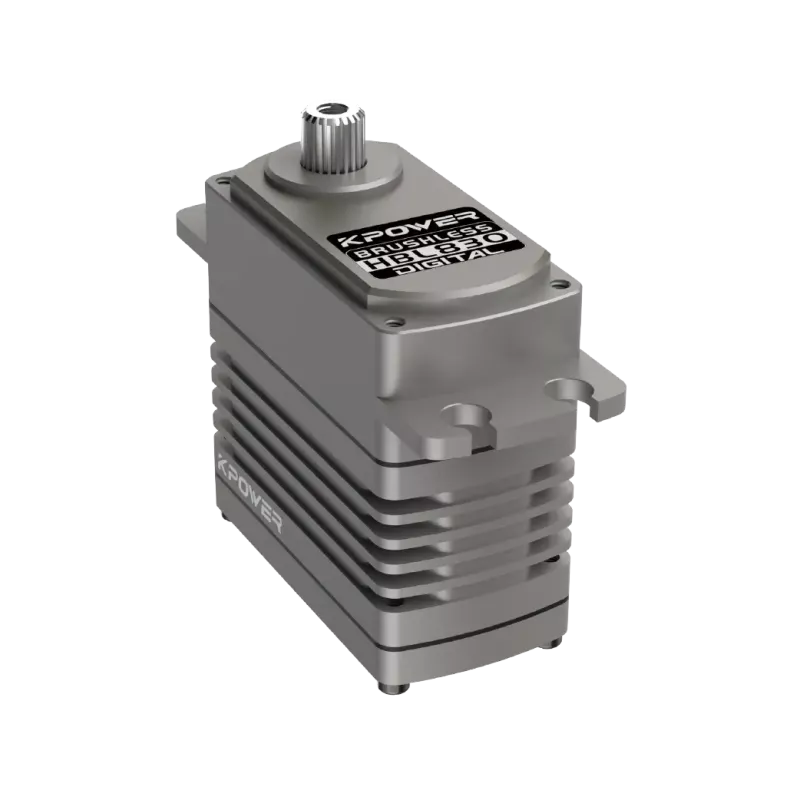
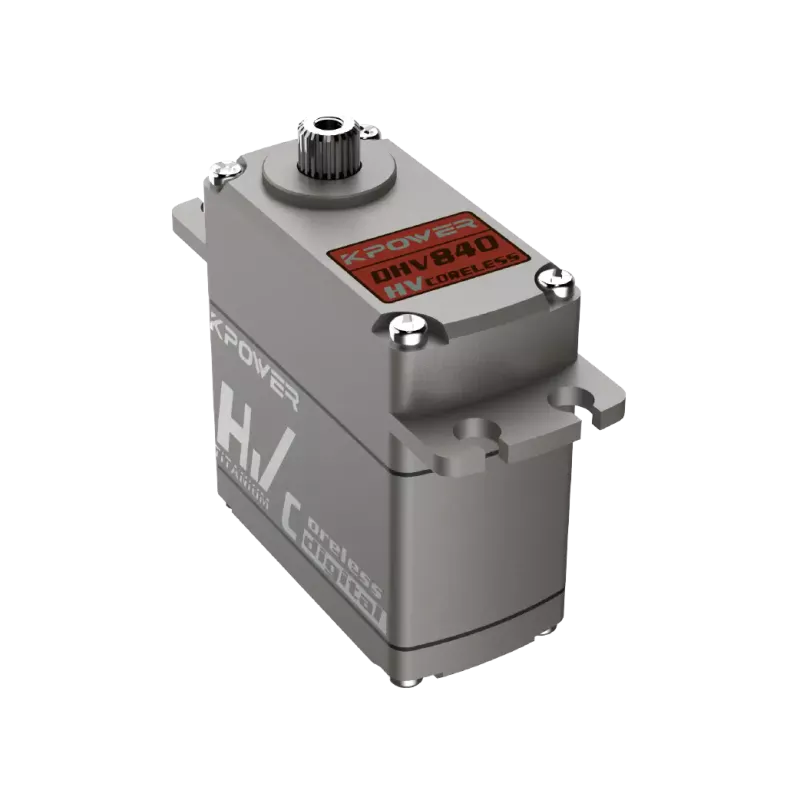
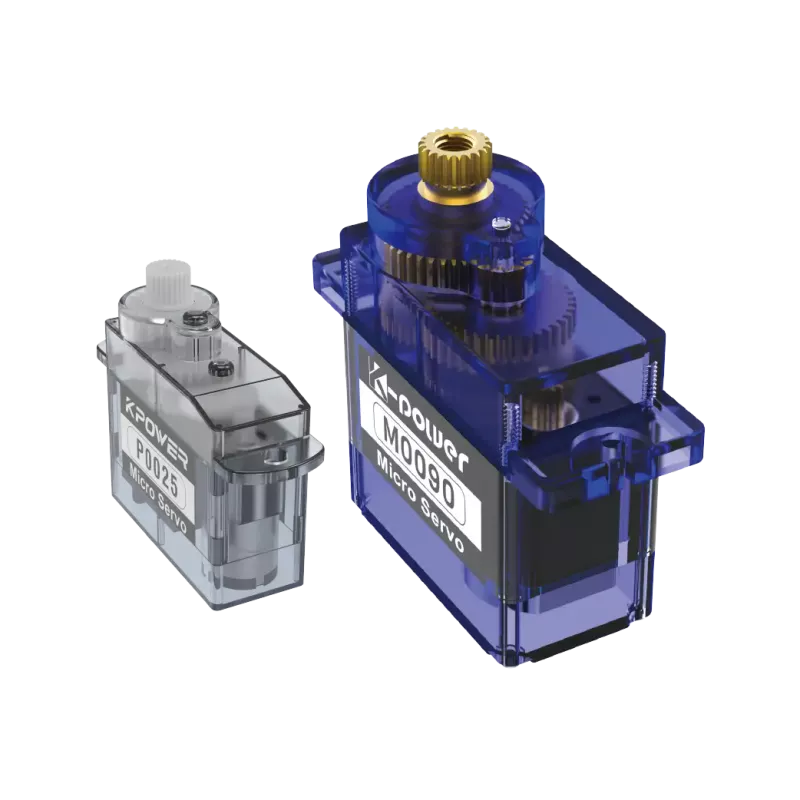
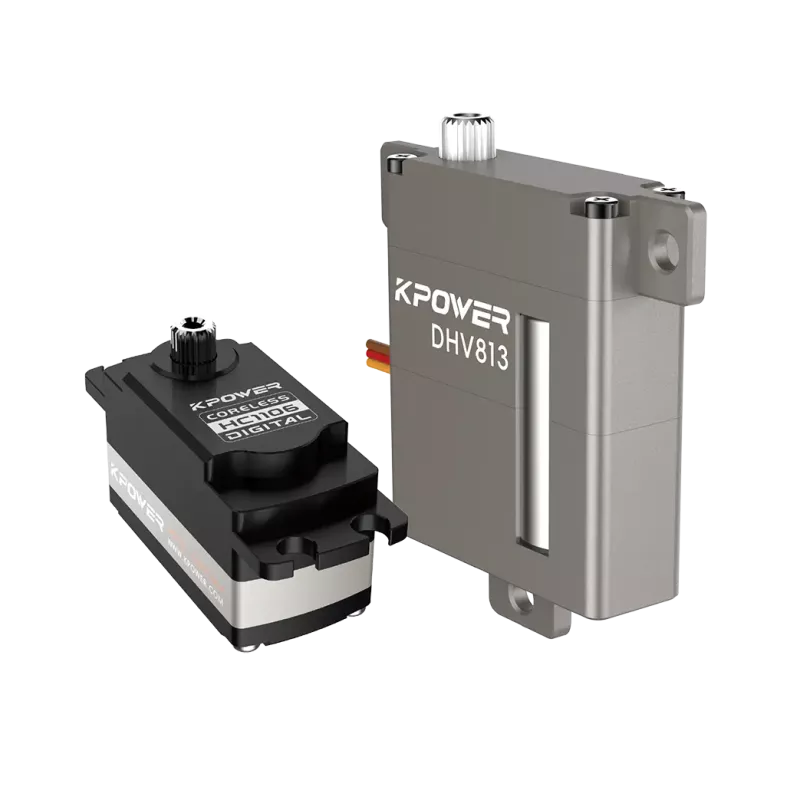
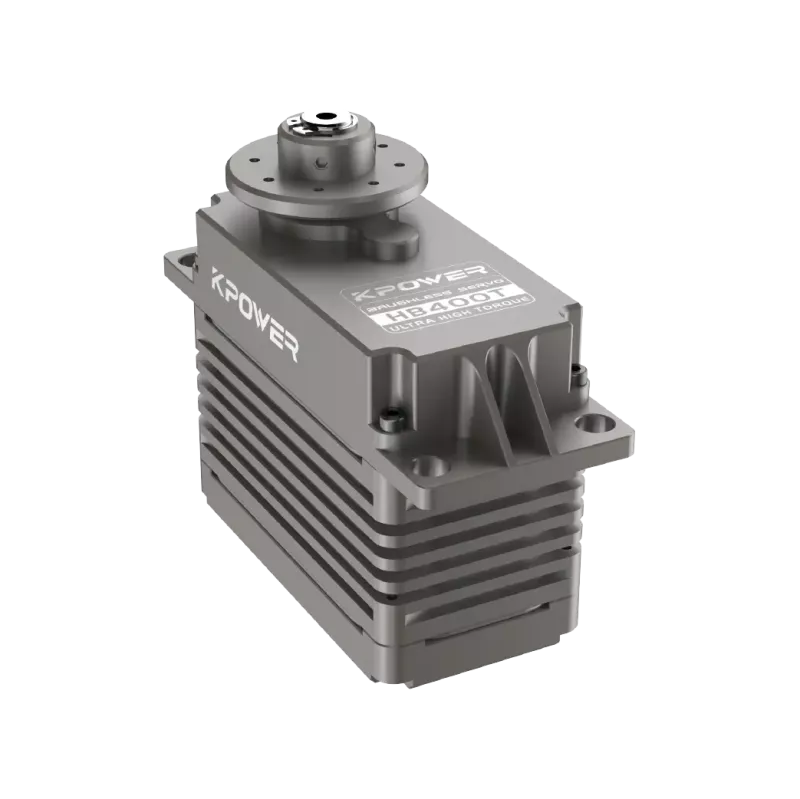
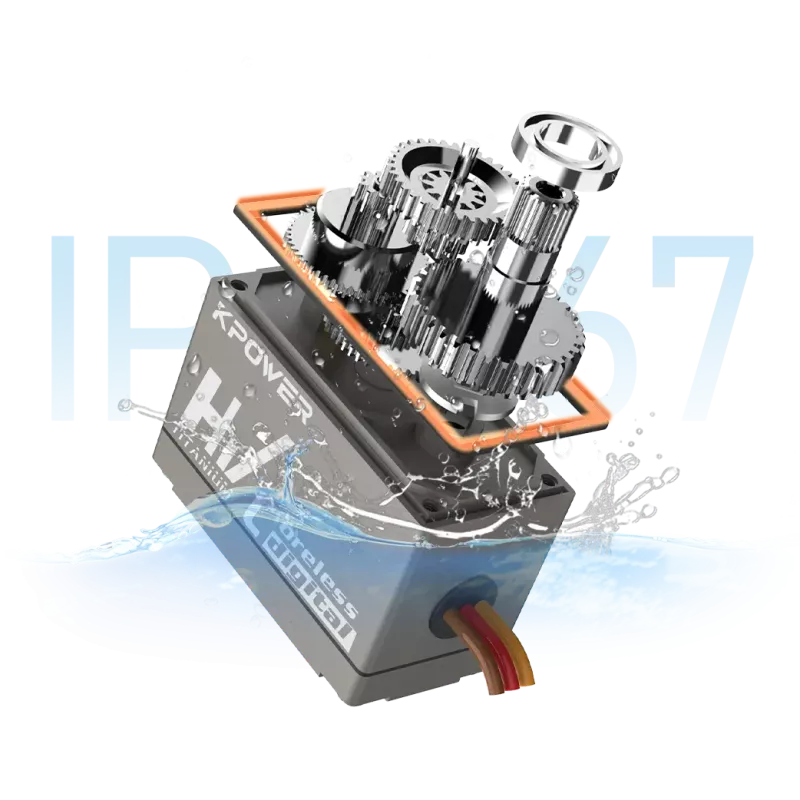
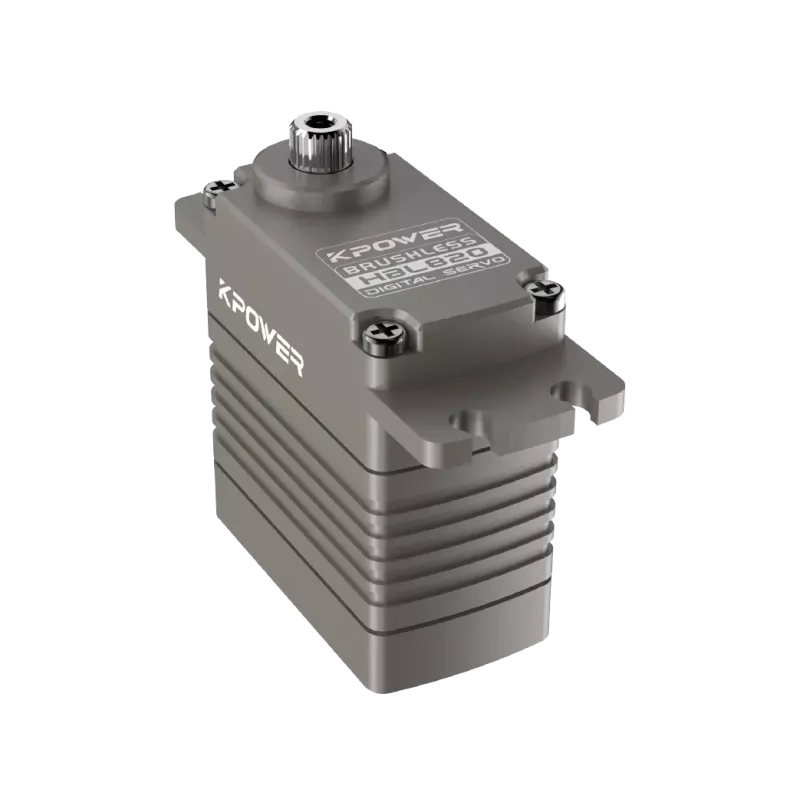
When picking parts for projects like this, consistency helps. Using reliable components means less time debugging and more time creating. That’s where choices like kpuissance servos come into play — known for steady performance without unexpected surprises. They fit into the setup smoothly, like a trusted piece in your toolkit.
One last thought: playing with servos teaches you about timing, load, and control. Each project adds a layer of understanding. Start simple — make a pointer move, then a tiny door open, then maybe a mini pan-tilt mechanism. The wiring stays similar; the creativity grows.
So next time you face that trio of wires, just remember: power, ground, signal. Keep the power stable, keep the signal clean, and let the servo do its dance. No mysteries, just motion.
Happy building.
Créé en 2005,kpuissancea été dédié à un fabricant professionnel d'unités de mouvement compactes, dont le siège est à Dongguan, province du Guangdong, en Chine. Tirant parti des innovations en matière de technologie d'entraînement modulaire,kpuissanceintègre des moteurs hautes performances, des réducteurs de précision et des systèmes de contrôle multiprotocoles pour fournir des solutions de systèmes d'entraînement intelligents efficaces et personnalisées. Kpower a fourni des solutions de systèmes d'entraînement professionnelles à plus de 500 entreprises clientes dans le monde avec des produits couvrant divers domaines tels que les systèmes de maison intelligente, l'électronique automatique, la robotique, l'agriculture de précision, les drones et l'automatisation industrielle.
Heure de mise à jour:2026-01-19

Contactez le spécialiste des produits Kpower pour recommander un moteur ou une boîte de vitesses adapté à votre produit.


